17 AI Kitchen Remodel Ideas for a Smarter, Stylish Space
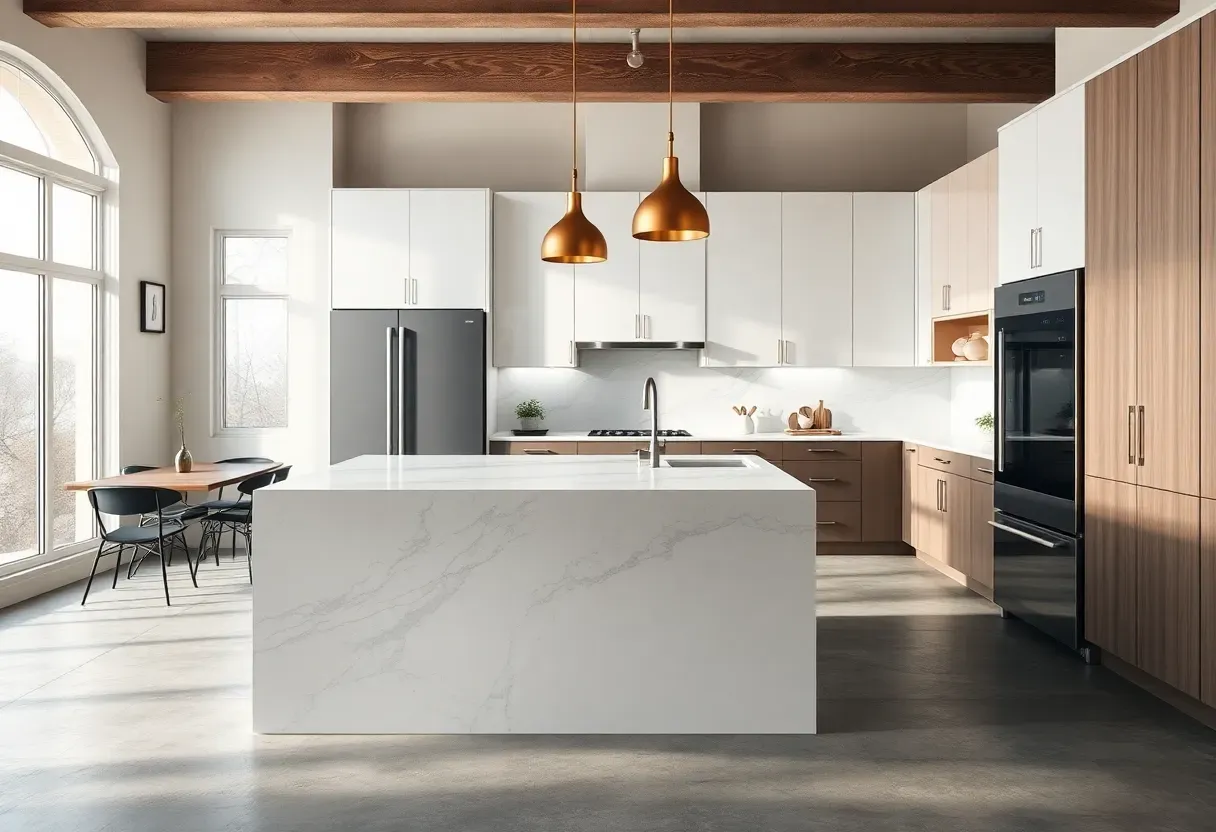
Why do we still remodel kitchens the old way — flipping through magazines, guessing at layouts, picking cabinet colors that look wrong once the paint dries? Artificial intelligence is changing this game entirely. AI tools now help homeowners visualize complete kitchen transformations before a single tile is removed, suggesting layouts based on how you actually cook, palettes matched to your existing light, and materials that balance budget with longevity. These 17 ideas bring those AI-generated concepts into focus — each one actionable, distinct, and designed for real kitchens.
In this guide I've gathered the most compelling AI-assisted remodel directions, from predictive layout planning to color systems and smart appliance integration. We'll start with the structural and end with the sensory details that finish a space.
Table of Contents
- AI-Generated Layout Optimization
- Smart Cabinet Configuration
- AI Color Palette Matching
- Predictive Lighting Design
- AI-Assisted Countertop Selection
- Voice-Integrated Cooking Stations
- AI Backsplash Pattern Design
- Smart Appliance Placement Strategy
- AI-Optimized Storage Zones
- Adaptive Island Design
- AI-Driven Ventilation Planning
- Personalized Flooring Selection
- AI-Suggested Fixture Combinations
- Energy-Efficient Appliance Pairing
- AI Material Durability Analysis
- Mood-Based Finish Selections
- AI Budget Allocation Planning
1. AI-Generated Layout Optimization
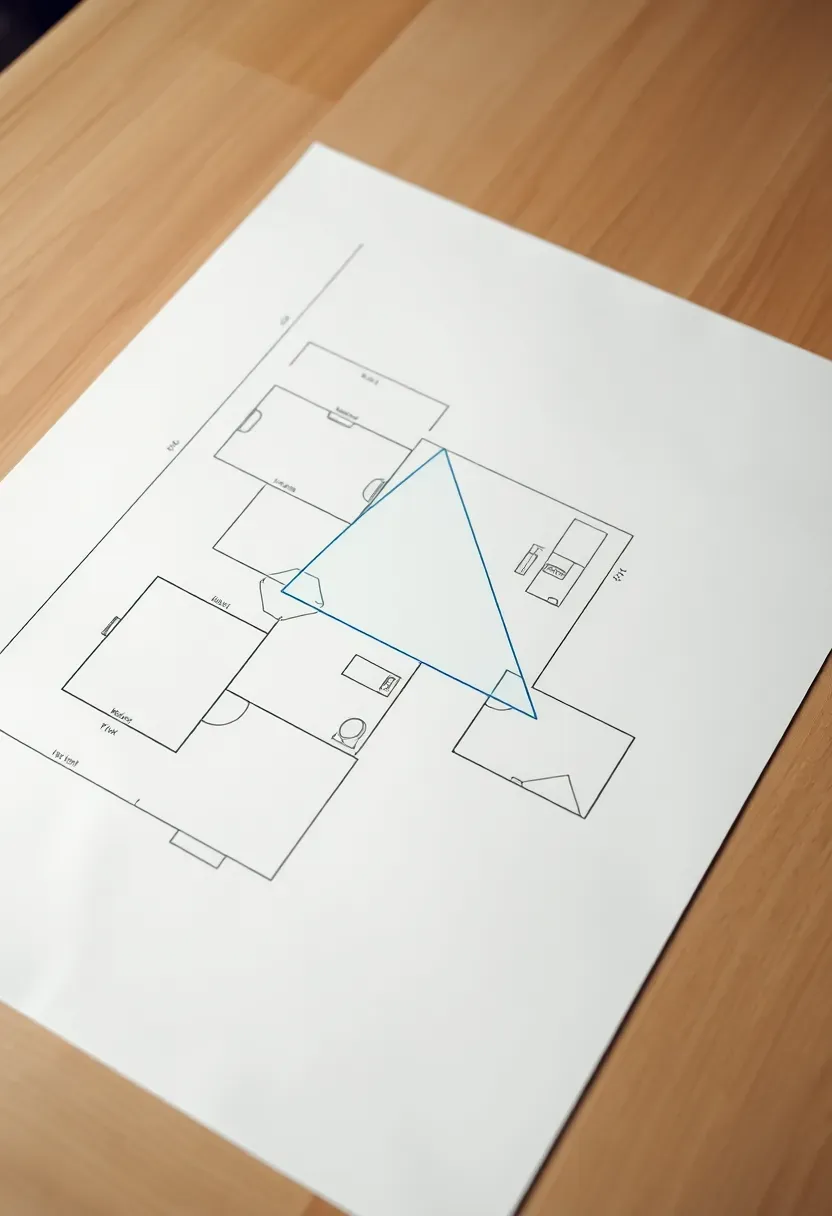
Before touching a single cabinet, AI layout tools analyze your existing square footage, door placements, and natural light to propose configurations you'd never sketch yourself.
The Core Problem
Most kitchen layouts are inherited rather than chosen — you work around whatever the previous owner installed, even when it's inefficient.
The AI Solution
Tools like RoomGPT and Planner 5D's AI engine generate multiple layout variants in seconds, scoring each on traffic flow, the classic work triangle (stove–sink–refrigerator), and counter run length. Users typically receive 3–5 proposals ranked by efficiency. The best-performing layouts often place the prep zone adjacent to both sink and stove, reducing the average cook's daily steps by a measurable margin — a detail human designers frequently overlook when working quickly.
Pros and Cons
Pros: Data-driven, considers your specific dimensions, free or low-cost to try before committing to a contractor Cons: AI can't account for personal habits unless you answer detailed onboarding questions honestly
We picked a few things that go well with this idea: Double Burner Induction Cooktop 1800W (★4.7), TUCO Portable Induction Cooktop (20 Modes) (★4.4) and Nuwave Flex Precision Induction Cooktop (★4.5). As an Amazon Associate we earn from qualifying purchases.
2. Smart Cabinet Configuration
How to Rethink Cabinetry with AI
AI cabinet configurators do something no showroom visit can: they remember everything you told them. Feed the system your dish count, small appliance inventory, and pantry habits, and it generates a custom configuration rather than a standard box layout.
Step 1: Input Inventory
List every item that needs a home — pots, appliances, dry goods. Most AI tools accept this as a plain text list or a quick questionnaire.
Step 2: Review the Depth and Height Recommendations
The system maps your items to drawer depths, pull-out tray heights, and corner solution types (lazy Susan vs. blind corner pull-out vs. magic corner).
Step 3: Visualize in 3D
Most platforms produce a photorealistic rendering so you see exactly what each wall of cabinetry will look like before ordering.
What to Watch Out For
- Don't accept default drawer depths — always input your actual tallest pot measurement
- Verify that the AI accounts for your dishwasher door swing before finalizing the sink cabinet position
- Request a clearance check if you have a corner cooktop — AI tools occasionally miss hood clearance in compact layouts
We picked a few things that go well with this idea: Seinloes 2-Pack Pull-Out Cabinet Organizer No-Drill (★4.4), Seinloes Expandable Pull-Out Cabinet Organizer (2-Pack) (★4.6) and Kitstorack Expandable Pull-Out Cabinet Organizer (★4.4). As an Amazon Associate we earn from qualifying purchases.
3. AI Color Palette Matching
We've all brought home paint swatches that looked perfect in the store and catastrophic under kitchen lighting. AI color matching tools solve this by analyzing photos of your actual kitchen — the existing flooring, window exposure, and adjacent rooms — before recommending a palette.
Origins of the Problem
Kitchen color choices are notoriously lighting-dependent. North-facing kitchens that photograph gray turn lavender under incandescent bulbs; south-facing spaces make warm whites look jaundiced by midday.
What AI Does Differently
Platforms like Sherwin-Williams ColorSnap AI and Adobe Color's generative tools read the color temperature of your existing space and cross-reference it with thousands of tested combinations. The output is a coordinated palette — primary cabinet color, secondary accent, hardware finish, and suggested grout tone — that has actually been verified to harmonize rather than clash.
How to Apply at Home
- Upload photos taken at morning, midday, and evening to capture the full lighting range
- Request both a warm and cool variant so you have a genuine choice
- Use the AI's Hex codes to order sample pots rather than relying on digital swatches alone
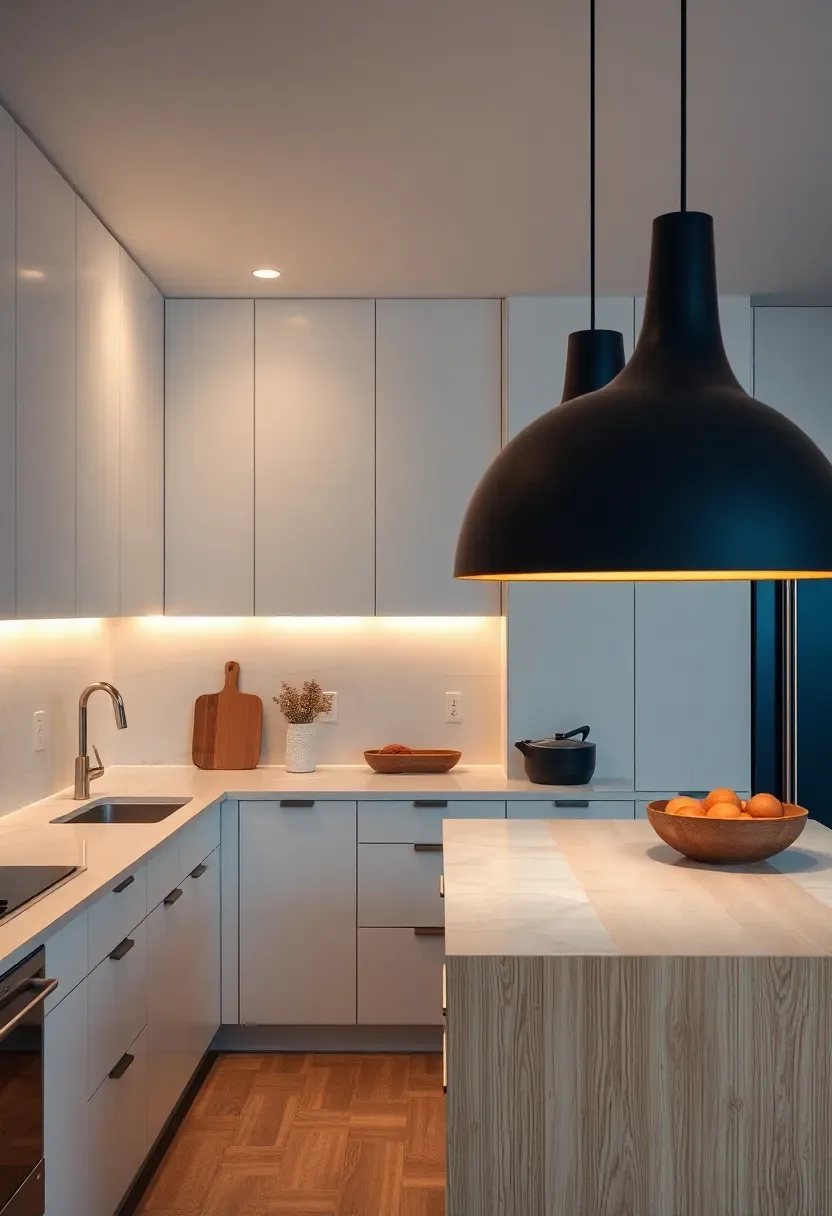
We picked a few things that go well with this idea: 24-Inch Dimmable LED Under Cabinet Light (3CCT) (★4.6), NICOR 24-Inch Dimmable Under Cabinet LED Light (★4.5) and Leetdud 24-Inch 5-Color Dimmable Under Cabinet Light (★4.6). As an Amazon Associate we earn from qualifying purchases.
4. Predictive Lighting Design
Why Lighting Is the Most Under-Planned Element
Homeowners routinely finalize cabinets, countertops, and flooring before considering lighting — then scramble to accommodate fixtures after the fact. AI lighting tools flip this sequence.
The Solution
AI lighting planners take your kitchen dimensions, ceiling height, and cabinet layout and output a complete lighting layer plan: ambient (recessed or ceiling), task (under-cabinet), and accent (interior glass cabinet or toe-kick). They calculate lumen requirements per zone and flag dark spots before installation.
Pros and Cons
Pros: Eliminates under-lit counters and awkward shadows; calculates wiring requirements upfront to avoid expensive mid-project changes Cons: The most accurate AI lighting plans require a measured drawing, not just a rough sketch — investing 30 minutes in accurate measurements pays off significantly
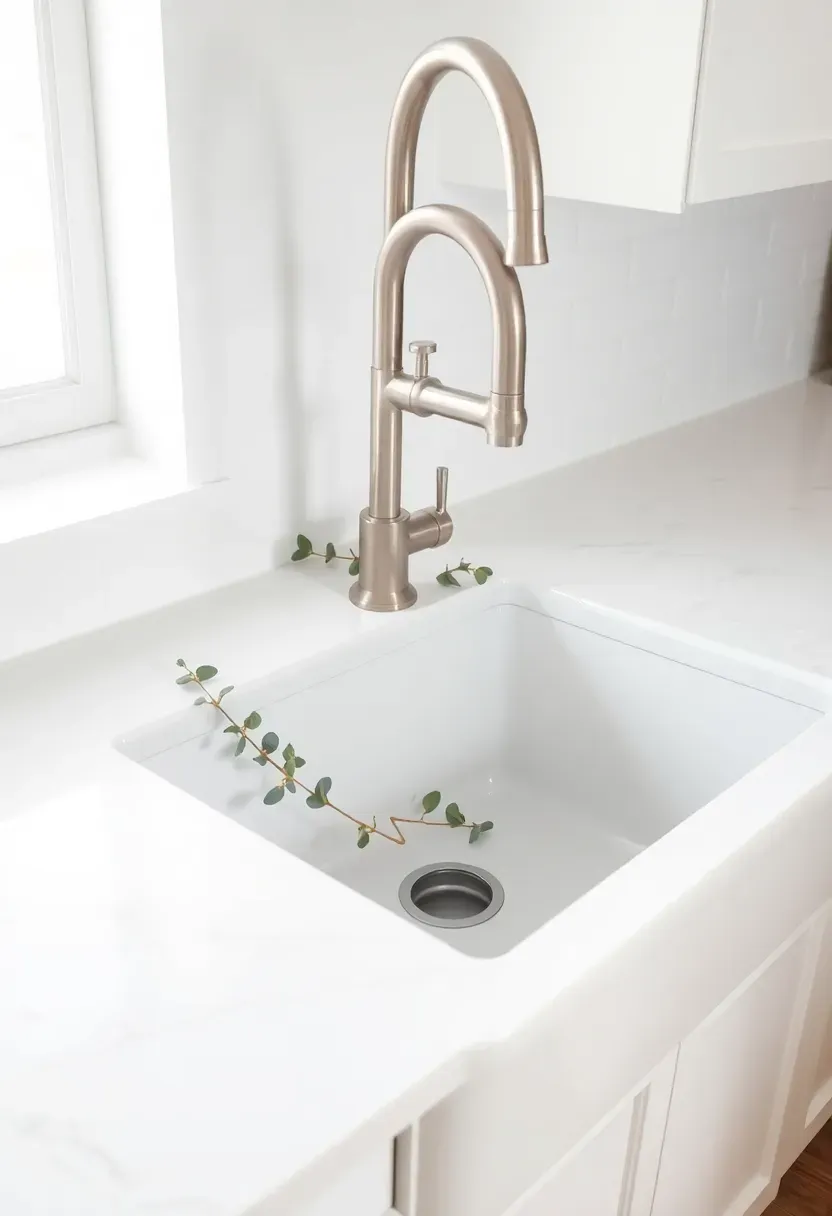
Recommended
Items for this idea
5. AI-Assisted Countertop Selection
Countertops are the single most-touched surface in any kitchen and the most expensive to replace if you choose wrong. AI selection tools approach this with material science rather than aesthetics first.
Step 1: Define Your Household Profile
Are you a daily baker who needs heat resistance? Do you have children who'll use the countertop as a homework surface? Do you cook with highly pigmented foods — turmeric, beet, red wine — that stain porous stone?
Step 2: Run the AI Filter
Input your answers and the tool cross-references porosity ratings, Mohs hardness scores, maintenance requirements, and cost-per-square-foot ranges to surface your top five material options with annotated reasoning.
Step 3: Order Samples Strategically
AI platforms now integrate with stone yards and manufacturers to send curated samples rather than random showroom pieces — saving a weekend of driving.
What to Watch Out For
- Quartz ranks well on AI durability scores but can discolor near high heat — confirm your cooktop clearance
- Butcher block scores high for bakers but requires AI to flag the sealing schedule honestly
- Some platforms weight aesthetics over durability in their scoring — check the weighting methodology
6. Voice-Integrated Cooking Stations
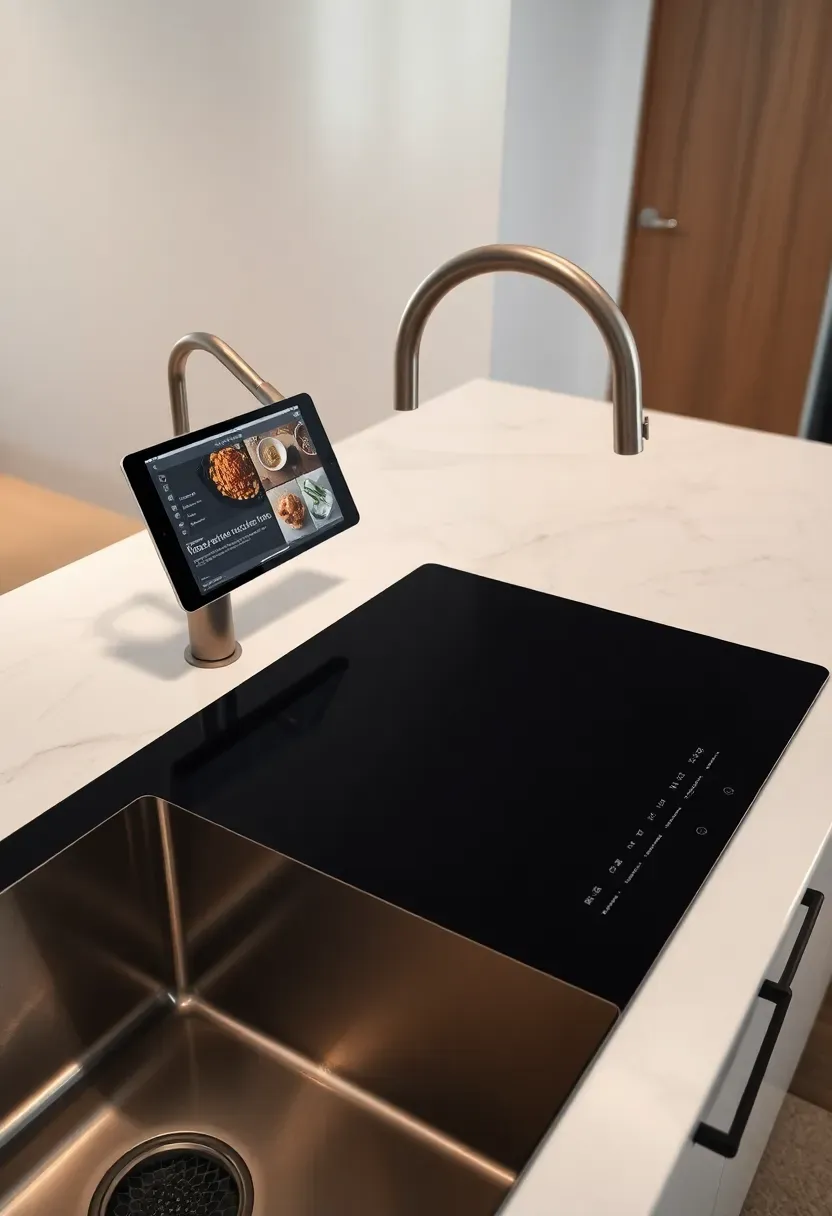
Imagine calling out "add 15 minutes to the timer" while your hands are covered in dough, or asking for the next step in a recipe without touching your phone. Voice-integrated cooking stations make this the baseline, not a luxury.
The Core Experience
These stations combine a dedicated display (built-in tablet or retractable screen), a hands-free faucet, a smart induction cooktop with app connectivity, and a voice assistant. AI connects the components: ask the assistant to preheat the cooktop to 375°F and it communicates directly with the induction controls.
Practical Setup Tips
- Mount the display at eye level for a standing cook — AI ergonomics calculators can recommend the exact height based on your stated height
- Choose a voice ecosystem (Alexa, Google Home, Apple HomeKit) before purchasing appliances to ensure compatibility
- Run a dedicated circuit — smart station components drawing simultaneously can trip standard kitchen circuits
Recommended
Items for this idea
7. AI Backsplash Pattern Design
Comparing: Geometric Patterns vs. Organic Motifs
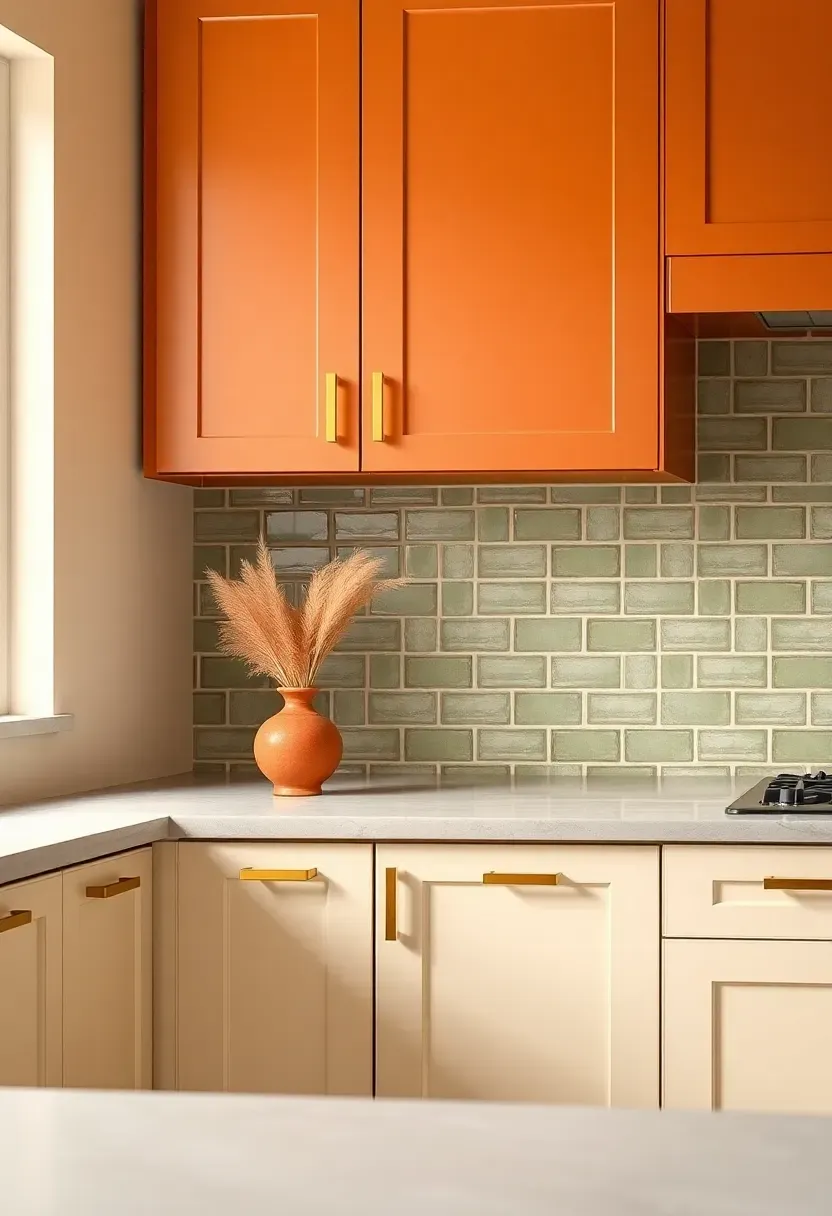
The backsplash is the kitchen's canvas — the place where personality enters without requiring structural commitment. AI pattern generators now produce completely original designs, moving beyond standard subway tiles and Moroccan prints.
Geometric Patterns
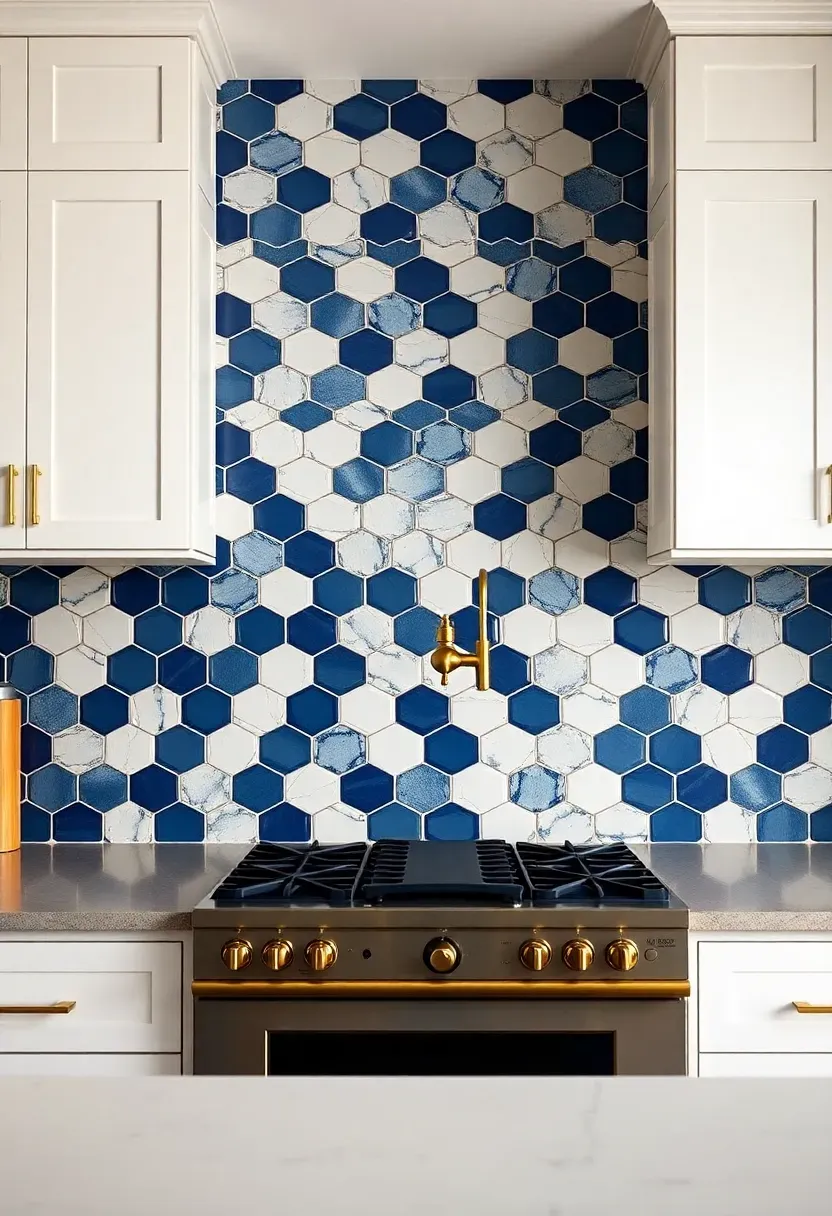
Algorithmic tools generate tessellating patterns calibrated to your tile dimensions, grout line preference, and cabinet door style. A Shaker cabinet pairs well with bold hexagon fields; a flat-panel door supports more complex linear designs.
Organic Motifs
AI trained on botanical illustration and handmade ceramic traditions produces flowing, non-repeating motifs — watercolor-style effects digitally printed onto porcelain, or custom encaustic-look cement tiles manufactured from your generated file.
What to Choose
Choose geometric if: your cabinetry has strong lines and you want a graphic, high-contrast focal point that reads clearly on Pinterest and in real life Choose organic if: your palette is warm and layered — earthy tones, mixed materials — and you want the backsplash to feel collected rather than designed
Recommendation
Order a minimum of 10 square feet in samples before committing. AI-generated patterns look different at scale than on a monitor.
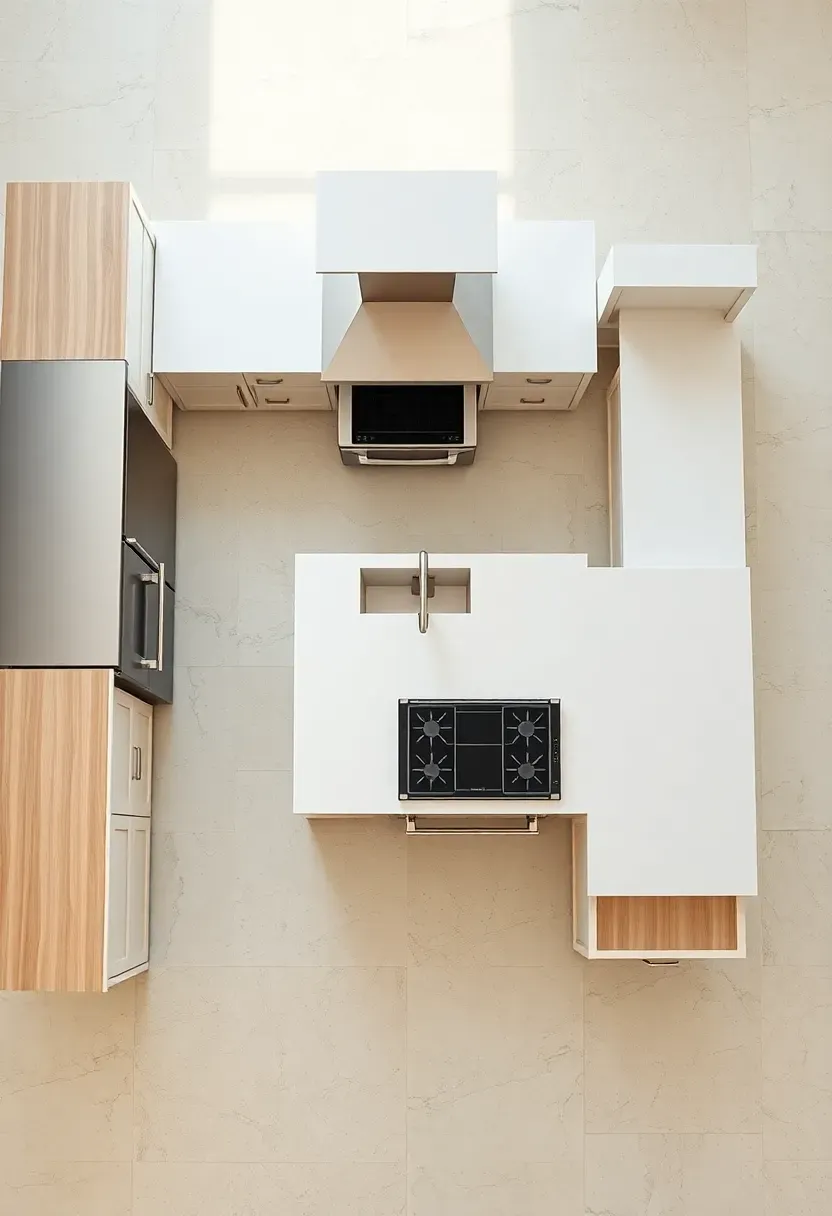
8. Smart Appliance Placement Strategy
Appliance placement decisions made during a remodel are rarely undone cheaply. AI placement tools treat your kitchen as a system, not a collection of individual purchases.
The Core Issue
Most homeowners place appliances based on where the previous appliances stood — a habit that perpetuates inconvenient layouts across decades and multiple renovations.
The AI Solution
Input your cooking frequency, household size, and meal prep style. The AI maps appliance traffic patterns: how often the refrigerator is accessed during cooking vs. meal prep vs. morning routines, where the microwave should land relative to the countertop snack zone, and whether a second prep sink earns its plumbing cost in your specific household. The result is a placement map that reduces kitchen congestion during the 6–7 pm rush — the moment when every kitchen either works or fails.
Pros and Cons
Pros: Prevents the expensive mistake of positioning the refrigerator where it blocks a high-traffic pathway Cons: Requires honest answers about cooking behavior — describe how you actually cook, not how you aspire to
Recommended
Items for this idea
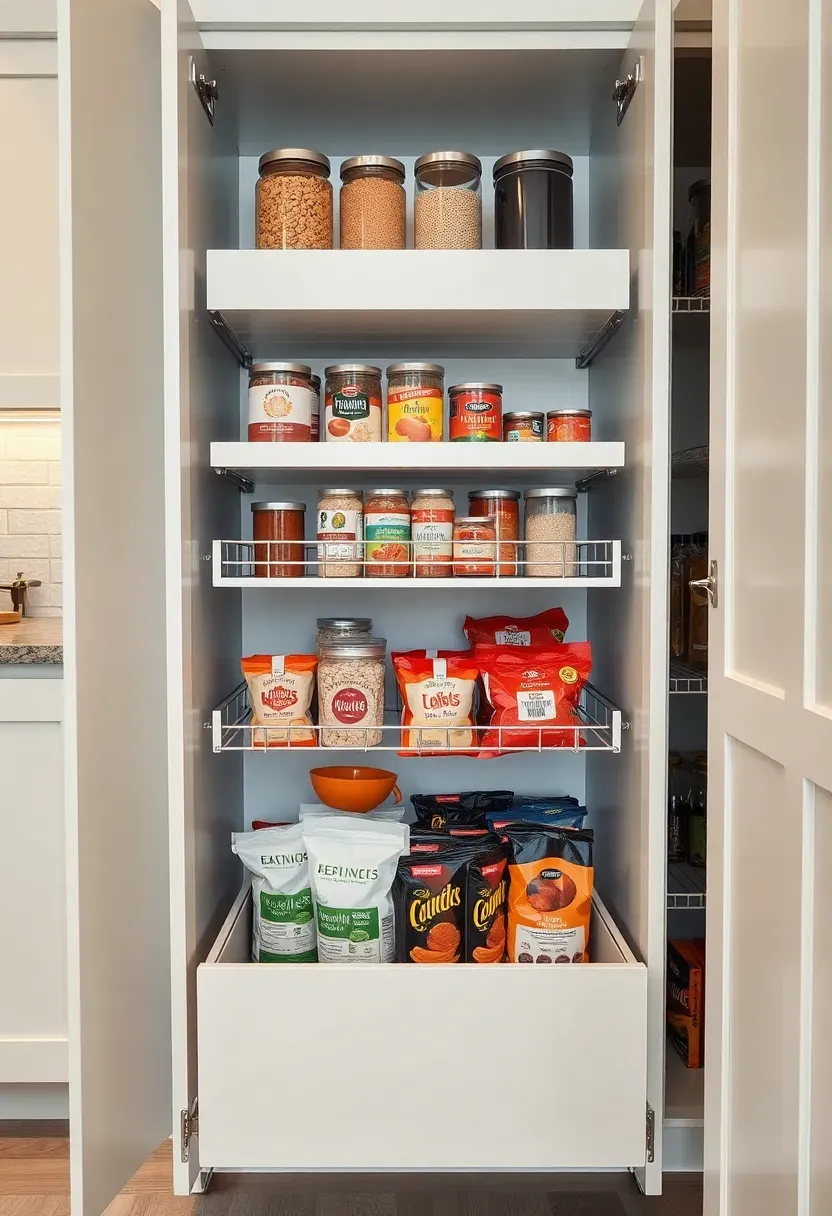
9. AI-Optimized Storage Zones
Every kitchen functions better when storage is organized around frequency of use rather than category alone. AI storage optimization takes this principle and applies it with precision.
The Zone Framework
AI tools divide kitchen storage into three frequency tiers:
- Daily access zone (countertop and upper cabinet at eye level): coffee, oils, most-used utensils, the items you touch every morning
- Weekly access zone (lower cabinets and mid-height drawers): baking supplies, specialty cookware, serving dishes
- Seasonal/occasional zone (high cabinets, back of deep drawers): holiday items, bulky entertaining equipment, rarely used appliances
The AI takes your itemized inventory and assigns every object to a tier, then matches the tier to available storage positions in your specific layout.
Practical Tips
- Be ruthless about your inventory input — AI can't optimize around items you don't list
- Let the AI flag redundancies: most households discover 20–30% more storage capacity simply by removing duplicate items the tool surfaces
- Revisit the zone assignment after six months — cooking habits shift seasonally
10. Adaptive Island Design
How to Design an Island That Actually Works
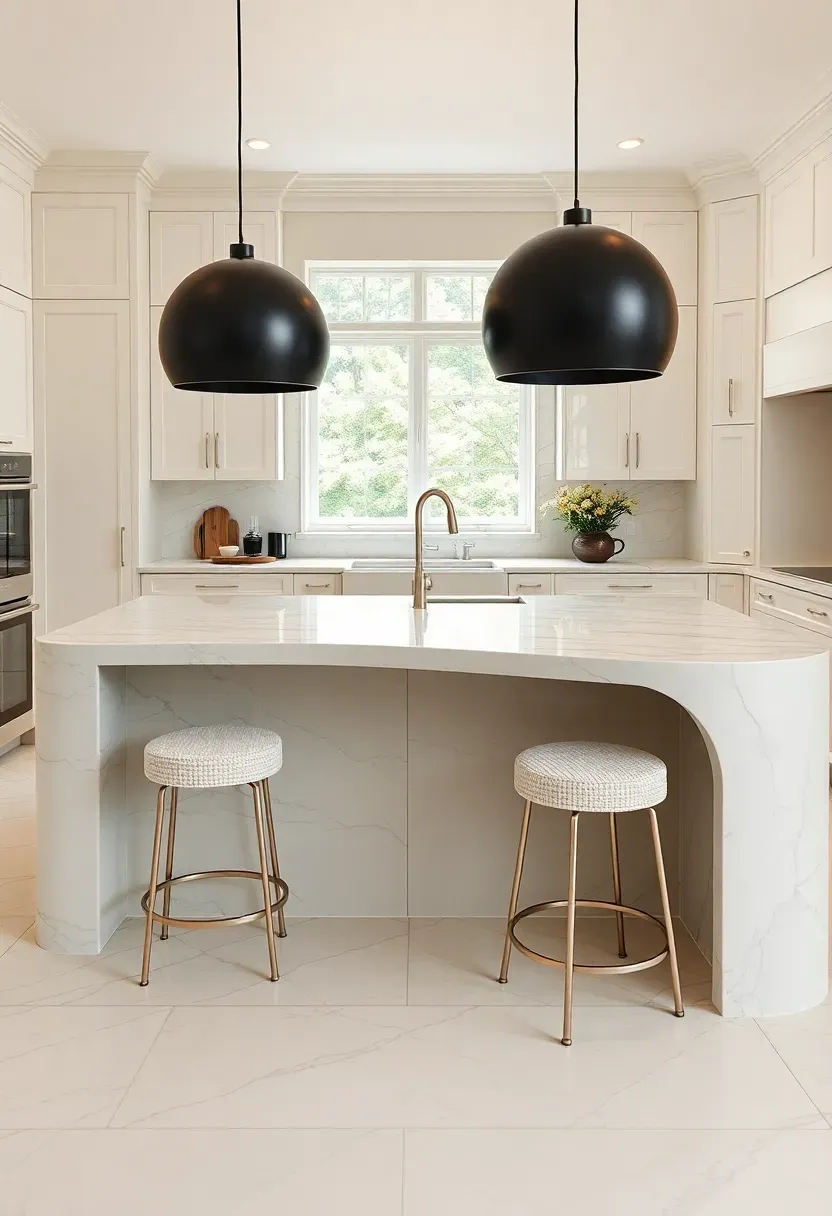
Islands are the most-requested kitchen feature and the most frequently regretted when they're sized or positioned incorrectly. AI island design tools address this by simulating actual usage scenarios.
Step 1: Define Island Functions
Tell the system which roles your island must fill: food prep, casual dining, homework surface, charging station, appliance storage, or a combination. Each function has dimensional implications.
Step 2: Simulate Traffic Flow
The AI runs a traffic simulation for your stated household size, flagging whether the planned island creates a pinch point between the refrigerator and the sink, or whether the seating overhang will conflict with a pull-out drawer.
Step 3: Finalize Proportions
The tool generates exact length, width, and overhang recommendations — including whether a waterfall edge works with your flooring pattern and whether the island height should match perimeter counters or step up/down for ergonomic reasons.
What to Watch Out For
- Standard walkway clearance is 42 inches minimum on working sides, 36 inches on non-working — AI tools enforce this; human designers occasionally don't
- An island with seating on all four sides requires at least 9 feet of kitchen width to remain functional
- Verify plumbing rough-in costs before adding a prep sink to the island — they're often more expensive than expected
Recommended
Items for this idea
11. AI-Driven Ventilation Planning
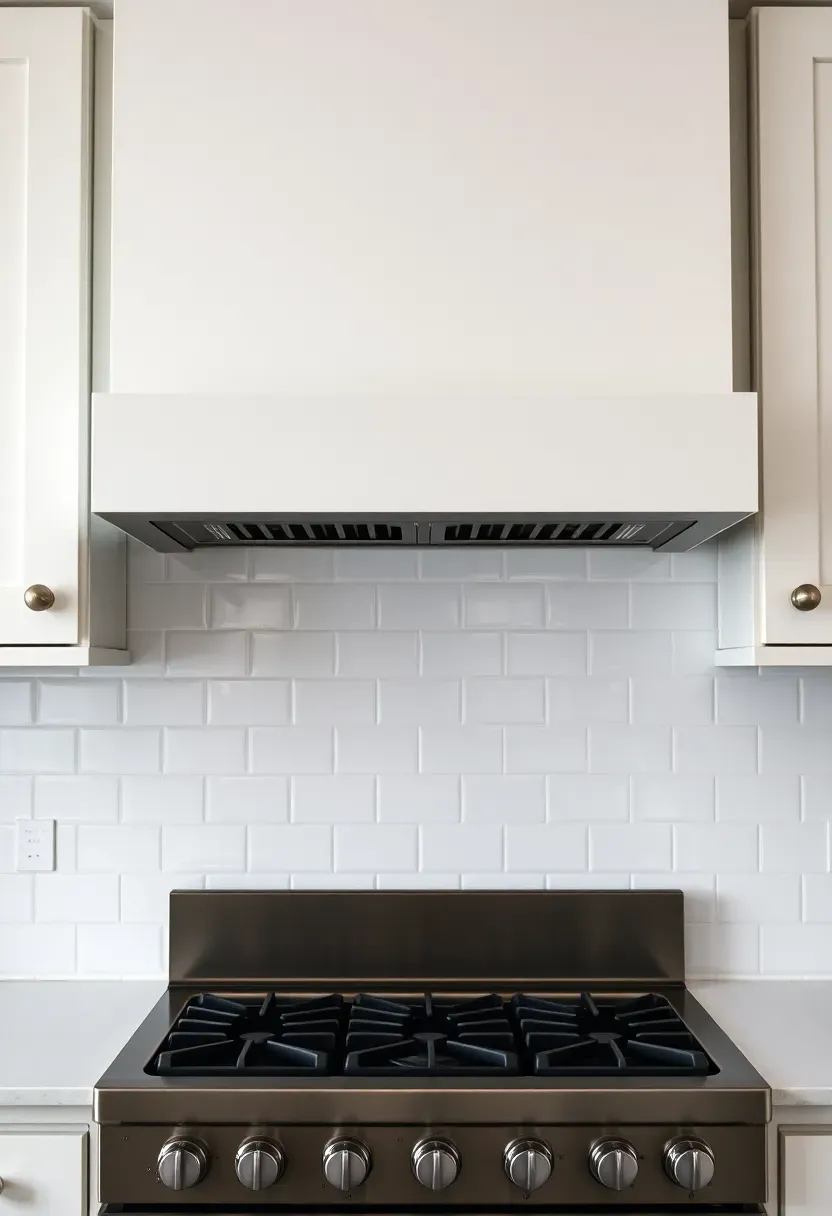
Ventilation is the kitchen element most often undersized and most consequential when wrong. Cooking odors, grease accumulation, and excess humidity all trace back to an undersized or poorly positioned hood.
The Problem Most Renovators Face
Standard contractor recommendations for hood CFM (cubic feet per minute) are often based on cooktop BTU alone, ignoring kitchen volume, ceiling height, duct run length, and how many turns the duct makes between hood and exterior.
What AI Calculates
Input your cooktop type and BTU rating, kitchen volume (length × width × ceiling height), duct path (straight run vs. multiple elbows), and cooking style. The AI outputs a minimum CFM rating, recommends duct diameter, and flags whether your current makeup air situation can support the proposed hood without creating negative pressure that causes backdrafting through other appliances.
Practical Notes
- Island hoods require 20–25% more CFM than wall-mount hoods at equivalent cooking power
- Ductless recirculating hoods score poorly in AI ventilation assessments — they filter grease but don't remove humidity
- If the AI recommends over 600 CFM, budget for makeup air or the hood will struggle to function
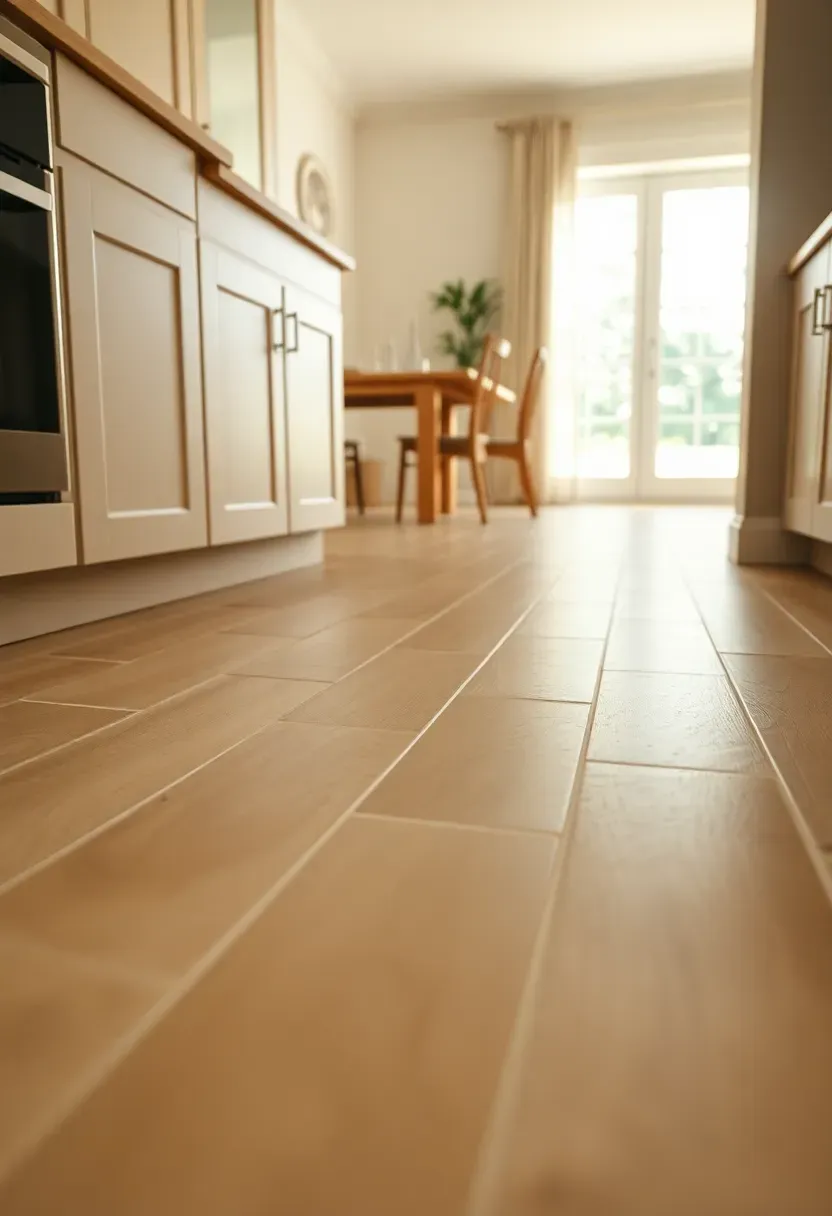
12. Personalized Flooring Selection
Comparing: Hardwood vs. Large-Format Porcelain
The floor is the kitchen's foundation — literally and visually. AI flooring selectors cut through the overwhelming showroom choices by matching material to lifestyle with surprising precision.
Hardwood (Including Engineered)
Warm, traditional, and high-resale-value. AI durability scores place engineered hardwood above solid in kitchen applications due to its stability under humidity cycling. Janka hardness ratings (a measure of dent resistance) are factored in; hickory and white oak score significantly better than pine.
Large-Format Porcelain
The AI's top-ranked kitchen flooring for maintenance ease, water resistance, and longevity. Formats of 24×48 inches or larger reduce grout lines, which cuts cleaning time and visual busyness. The trade-off: harder underfoot and cold in climates where kitchens are used heavily in winter.
What to Choose
Choose engineered hardwood if: your kitchen connects to an open living area and you want visual warmth and continuity across spaces Choose large-format porcelain if: you have children, pets, or high spill frequency and you prioritize 20-year durability over warmth
Recommendation
Ask the AI tool to run a cost-of-ownership calculation over 15 years — including refinishing cycles for hardwood and re-grouting for porcelain. The number often surprises people.
Recommended
Items for this idea
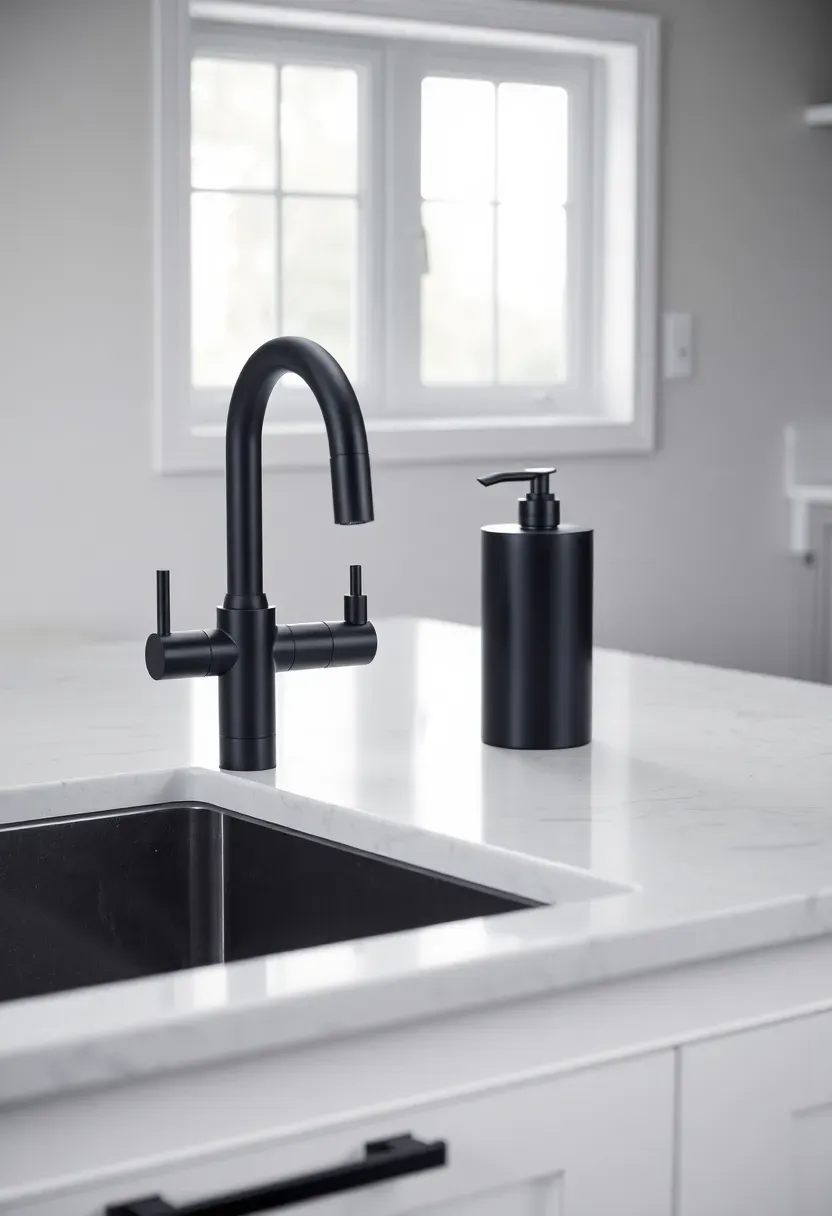
13. AI-Suggested Fixture Combinations
Faucets, hardware, and fixtures feel like small decisions until they're wrong — then they define the room. AI fixture selectors analyze your cabinet finish, countertop material, and overall palette to propose finish combinations with actual design logic behind them.
The Problem with Choosing Alone
Finish mixing (brushed nickel with matte black, brass with chrome) works beautifully when intentional and looks unplanned when accidental. Most homeowners can't easily predict which combinations will feel curated vs. chaotic.
The AI Approach
The system identifies your dominant finish from existing or planned elements and then recommends either a tonal match (all fixtures within the same family) or a deliberate contrast (one accent finish repeated across sink, hardware, and range knobs). It generates a visual board so you see the full combination before purchasing a single piece.
Tips for Implementation
- Apply the contrast finish no more than three times in the kitchen — more than that reads as busy
- Order physical samples of hardware before ordering cabinet quantities — batch finish variation between factories is real
- AI tools sourced from specific retailers may bias toward their own inventory; cross-reference with a neutral selector
14. Energy-Efficient Appliance Pairing
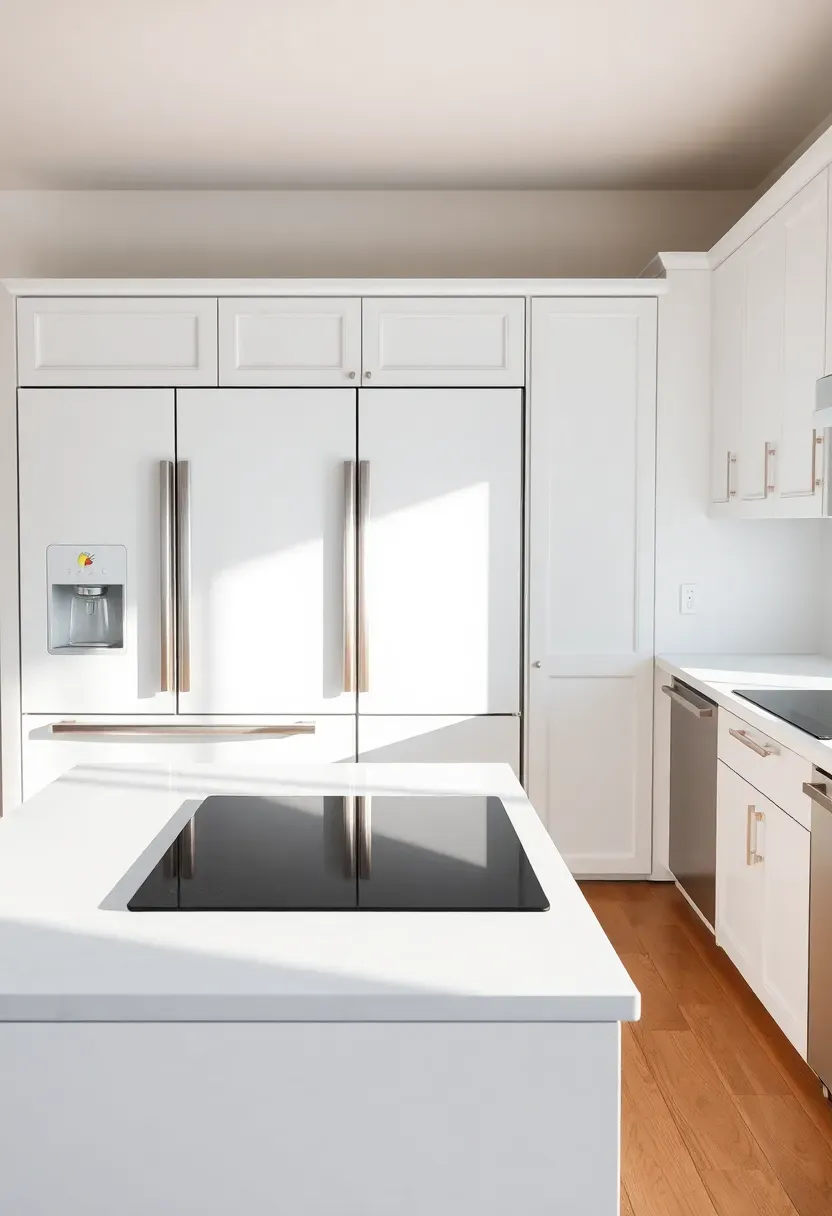
An AI-assisted remodel is an ideal moment to right-size your appliance energy load. Energy modeling tools calculate household-specific consumption based on stated cooking frequency, family size, and local utility rates.
Why Pairing Matters
An induction cooktop saves energy per cooking session, but if it's paired with an oversized refrigerator running inefficiently in a warm garage, the household net energy use may increase. AI energy tools model the full appliance ecosystem rather than optimizing individual items.
What the Analysis Produces
- Annual operating cost estimate for each proposed appliance
- Payback period for upgrading from standard to premium energy-efficient models
- Flagging of appliances that will overload existing electrical service without a panel upgrade
Practical Notes
- Induction cooktops consistently outperform gas in AI energy-cost analyses in most US markets
- Counter-depth refrigerators typically use less energy than standard depth — a counterintuitive finding the AI surfaces reliably
- Factor in utility rebate programs; AI tools integrated with utility databases can calculate net appliance cost after incentives

Recommended
Items for this idea
15. AI Material Durability Analysis
Choosing kitchen materials without understanding their long-term behavior is how renovations age poorly within five years. AI durability tools close this information gap with data rather than salesperson assurances.
How It Works
Input your lifestyle parameters: cooking frequency, household size, presence of children or pets, and cleaning product preferences. The AI cross-references these against manufacturer performance data, user-submitted aging reports, and material science metrics (porosity, coefficient of thermal expansion, abrasion resistance).
What It Surfaces
- Which countertop materials will show etching within two years under your stated cooking habits
- Whether your preferred cabinet finish (painted wood vs. thermofoil vs. solid wood vs. lacquer) will hold up to your cleaning frequency and product choices
- Flooring wear layer ratings calibrated to your actual foot traffic estimate
Be Honest About Inputs
AI durability analyses are only as accurate as the lifestyle data you provide. Selecting "light cooking" when you cook elaborate dinners five nights per week will produce optimistic durability scores that don't reflect your kitchen's reality.
16. Mood-Based Finish Selections
The Trend Behind It
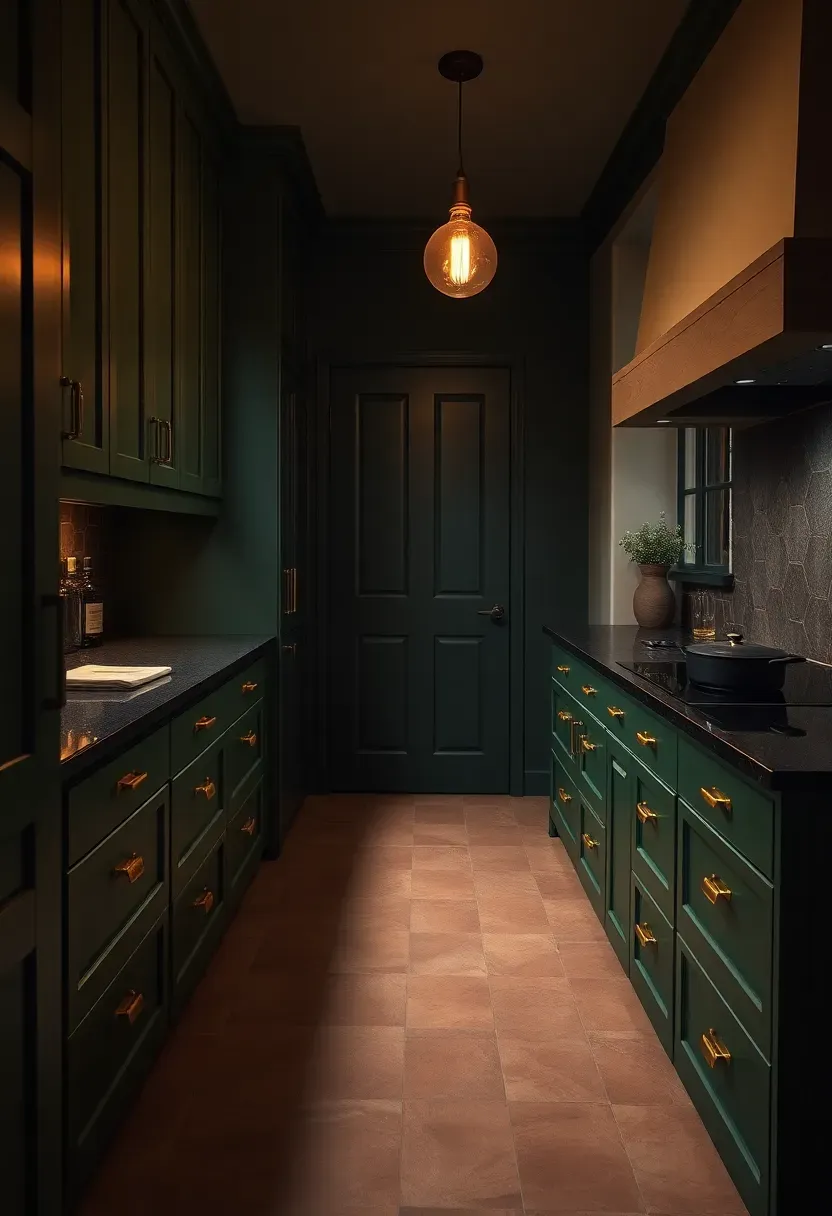
Finish selection in kitchen design is moving away from the neutral-safe approach — the endless white-and-gray combinations — toward intentional mood-making. AI aesthetic tools now offer mood-based selection: you describe how you want the kitchen to feel, and the algorithm proposes finishes, textures, and tones calibrated to produce that emotional experience.
How Mood-Based AI Selection Works
Choose a mood descriptor: "calm morning ritual," "energetic dinner party hub," "cozy rainy afternoon," or "focused professional kitchen." The AI maps this to a coordinated set of finish parameters — cabinet sheen level, countertop texture, hardware patina, and lighting color temperature — each calibrated to reinforce the intended atmosphere.
Modern Applications
- "Calm" outputs tend toward matte finishes, low-contrast palettes, and warm white lighting (2700–3000K)
- "Energetic" outputs favor high-contrast combinations, glossy uppers, and cool daylight task lighting (4000K+)
- "Cozy" outputs consistently recommend warm-toned wood, aged metal finishes, and amber accent lighting
How to Apply at Home
- Write down three adjectives that describe how you want your kitchen to feel before opening any design tool
- Use the AI output as a direction, not a prescription — adjust individual elements while preserving the overall tonal logic
- Test the mood at night as well as daytime; kitchens used for evening entertaining need finishes that read well under artificial light
Recommended
Items for this idea
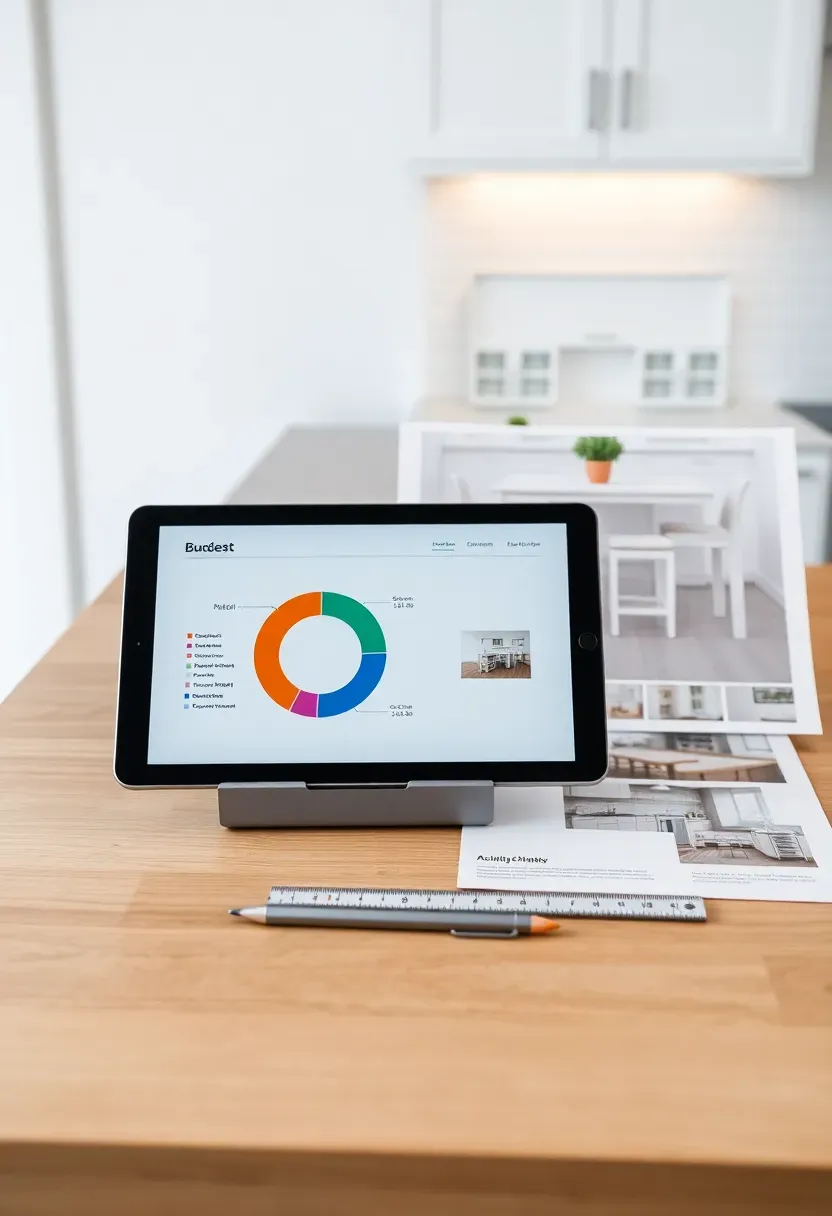
17. AI Budget Allocation Planning
Why This Is the Most Practical Idea on This List
Every kitchen remodel starts with a budget and ends with the question of where it actually went. AI budget allocation tools solve the planning side of this equation with more precision than a spreadsheet and more honesty than a contractor estimate.
How the Tool Works
Input your total budget, zip code (for regional labor rate calibration), kitchen square footage, and priority ranking for each remodel category. The AI distributes the budget across categories using industry standard allocation percentages (cabinetry typically accounts for 28–35% of a full kitchen remodel) while adjusting for your stated priorities.
What It Tells You
- Where your budget is misaligned with typical regional costs (e.g., allocating 10% for countertops in a market where stone runs $85/sq ft won't work)
- Which upgrades pay back in resale value vs. which are purely personal preference
- Where budget overruns typically occur and how to build a contingency reserve accordingly
Practical Guidance
- Set the AI to allocate 15–20% of your total budget as contingency before distributing the rest — hidden costs in kitchen remodels are the norm, not the exception
- Revisit the allocation quarterly if your remodel spans multiple phases
- Cross-reference AI estimates with at least two local contractor bids before finalizing
Quick FAQ
Is AI design software accurate enough to replace a professional kitchen designer? AI tools are excellent for early-stage planning, visualization, and budget modeling, but they work best alongside — not instead of — a professional for structural changes, plumbing moves, or complex custom work. Think of AI as a highly capable first draft generator that saves you time and money on the planning stages.
Which AI tools are best for kitchen remodel planning? RoomGPT, Planner 5D, and Houzz's sketch tool are strong starting points for layout and visualization. For color, Sherwin-Williams ColorSnap AI is highly regarded. For budgeting, HomeAdvisor's Cost Guide paired with a regional cost-of-living adjustment gives reliable figures.
Should I use AI suggestions for structural changes like removing a wall? AI tools can flag structural possibilities (identifying which walls are likely load-bearing based on your floor plan) but cannot replace an engineer's assessment. Always have a structural engineer evaluate any wall removal before committing to it.
Does AI help with small kitchen remodels, or only large ones? AI layout and storage optimization tools arguably deliver their highest value in small kitchens, where every inch matters and design mistakes have no slack space to absorb them. The zone optimization and layout efficiency analyses covered in ideas 1, 9, and 10 are especially useful for compact spaces.
What's the difference between an AI kitchen remodel tool and a standard design app? Standard design apps are visualization tools — you drag and drop elements and render the result. AI tools go further: they make recommendations, flag conflicts, calculate costs, and learn from your inputs to refine their suggestions. The distinction is the difference between a drafting table and a design consultant.
Trends come and go, but a kitchen that fits how you actually live is always in style. These 17 AI-assisted approaches aren't about chasing technology for its own sake — they're about making better decisions before the first cabinet is ordered and the first tile is set. Start with the layout analysis and the budget allocation. Get those two right, and everything else builds on a solid foundation.
Pinterest cover for 17 AI Kitchen Remodel Ideas for a Smarter, Stylish Space
About the author
OBCD
CGI visualization and interior design content. We create detailed 3D renders and curate practical design ideas for every room in your home.