17 Backyard Design Software Ideas to Plan Your Yard
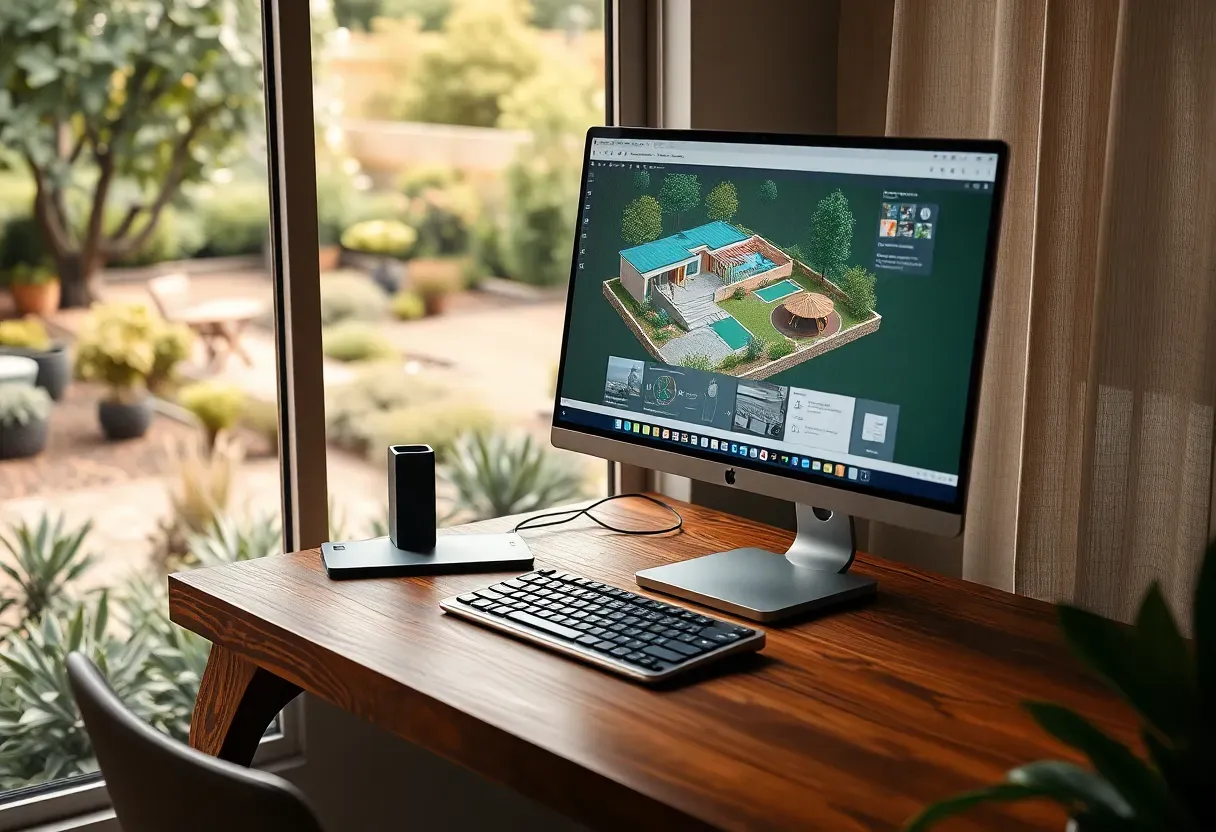
Most backyard projects fail before a single shovel hits dirt. The problem is not budget or taste — it is planning. You pick a patio shape, order materials, then discover the drainage slope runs right through your seating area. Backyard design software fixes this by letting you model grades, test plant placement, and preview finishes before committing real money. I have tested dozens of these programs over the past few years, and the 17 below actually deliver on their promises without requiring an architecture degree.
Here are the software picks organized by use case, from beginner-friendly planners to professional landscape suites.
Table of Contents
- SketchUp for Backyard Modeling
- Realtime Landscaping Plus
- BricsCAD for Hardscape Drafting
- Lumion for Photorealistic Yard Renders
- Lands Design for Planting Schemes
- VizTerra for Pool and Patio Design
- Garden Planner by Artifact Interactive
- DreamPlan for Quick Yard Layouts
- PRO Landscape Design Suite
- Vectorworks Landmark
- Marshalls Garden Visualiser
- Terragen for Terrain Modeling
- SmartDraw Landscape Module
- Cedreo Outdoor Planning
- Rhino 3D with Landscape Plugins
- Structure Studios Pool Studio
- Blender for Custom Backyard Scenes
1. SketchUp for Backyard Modeling
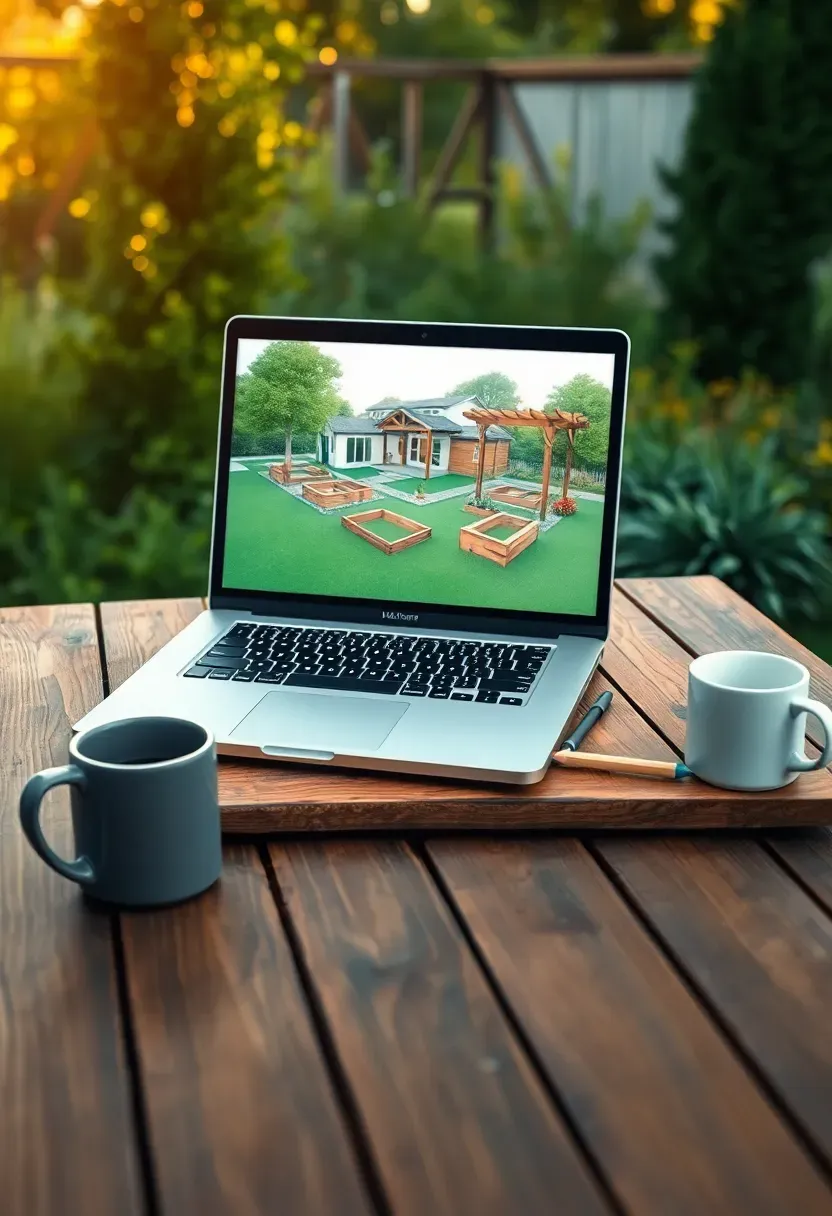
SketchUp remains one of the most accessible 3D modeling platforms for homeowners who want to plan a backyard without drowning in menus. The free web version handles basic yard layouts — fences, decks, raised beds — while the paid desktop version adds terrain tools and component libraries packed with outdoor furniture models. The push-pull interface lets you build walls and planters by literally dragging surfaces upward. Most people produce a usable yard model within their first afternoon.
Getting started
- Download the 3D Warehouse extension for pre-built patio furniture, pergolas, and planter boxes
- Use the sandbox tools to sculpt sloped terrain before placing hardscape elements
- Export a top-down view as a PDF to hand contractors a clear site plan
We picked a few things that go well with this idea: Encyclopedia of Landscape Design Book (★4.7), Gardentopia Outdoor Design Basics Book (★4.6) and Beginner's Guide to Garden Planning (★4.6). As an Amazon Associate we earn from qualifying purchases.
2. Realtime Landscaping Plus
Why this works for DIYers
Realtime Landscaping Plus sits in a sweet spot between toy-like drag-and-drop apps and full CAD software. Its library includes over 16,000 plants with regional growth data, so you can see how that Japanese maple will look in five years, not just on planting day. The walkthrough mode lets you virtually stroll through your design at eye level, catching proportion issues a top-down view misses entirely.
What to watch out for
- Windows only — Mac users need Boot Camp or a virtual machine
- The rendering engine slows noticeably once you exceed around 200 plant objects in a single scene
- Photo overlay mode works best with wide-angle photos taken on overcast days to avoid harsh shadow conflicts
We picked a few things that go well with this idea: Garden Planner Journal with Checklists (★3.7), Monthly Gardening Log Book and Planner (★4.6) and Harloon Floral Garden Planner Notebook (★4.4). As an Amazon Associate we earn from qualifying purchases.
3. BricsCAD for Hardscape Drafting
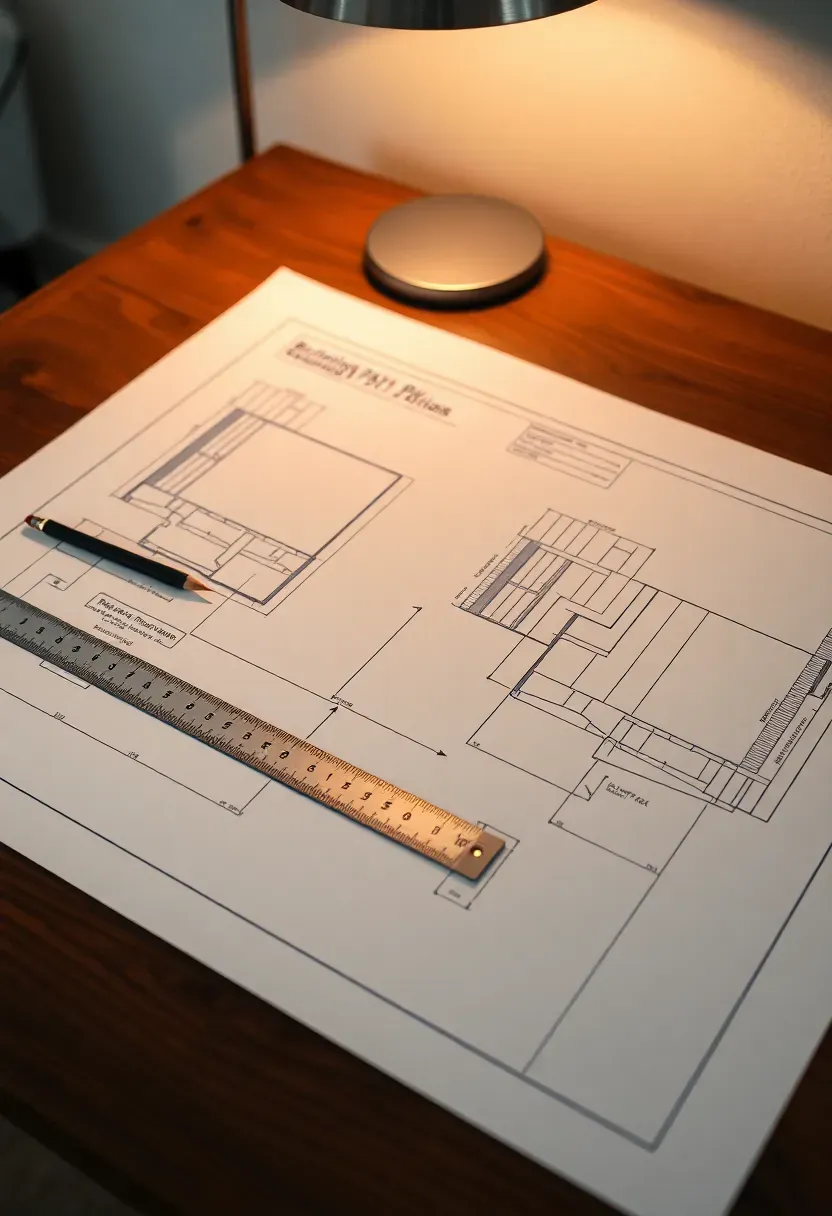
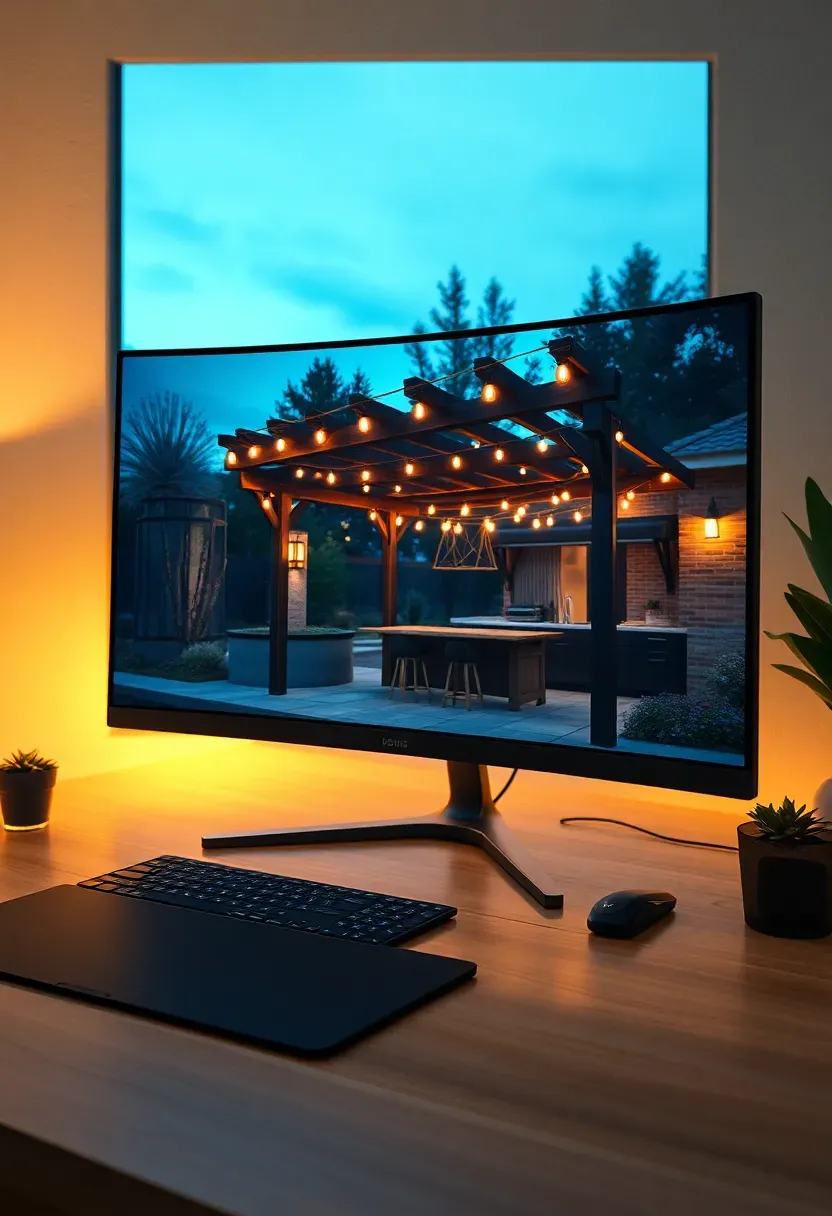
If your backyard project centers on stonework, retaining walls, or precise paver layouts, BricsCAD provides the dimensional accuracy that visual planners skip. It reads and writes DWG files natively, making it easy to share plans with contractors who already use AutoCAD. The learning curve is real — expect a week of tutorials before you are productive. But for projects where a half-inch error means recutting expensive bluestone, that investment pays for itself quickly.
Tips
- Use parametric blocks for repeating elements like fence posts or stepping stones
- Set up layer standards early: one for hardscape, one for planting, one for utilities
- The BIM module handles elevation changes better than the basic 2D drafting mode
We picked a few things that go well with this idea: Bosch 100ft Blaze Laser Distance Measure (★4.7), MiLESEEY 330ft Rechargeable Laser Measure (★4.4) and Bosch Blaze Pro 165ft Laser Measure (★4.7). As an Amazon Associate we earn from qualifying purchases.
4. Lumion for Photorealistic Yard Renders
The problem with flat plans
Clients and family members struggle to read floor plans. They nod along, then act surprised when the built result looks different from what they imagined. Lumion solves this by producing photorealistic images and video walkthroughs from your 3D model in minutes rather than hours.
How Lumion helps
Import your SketchUp or Rhino model, apply materials from the built-in library, drop in animated trees and water features, and render. The LiveSync plugin updates the Lumion scene in real time as you adjust the source model. A 4K still render takes about 30 seconds on a mid-range GPU. For backyard projects specifically, the nature library with region-appropriate vegetation makes outdoor scenes look convincing without manual texture work.
Recommended
Items for this idea
5. Lands Design for Planting Schemes
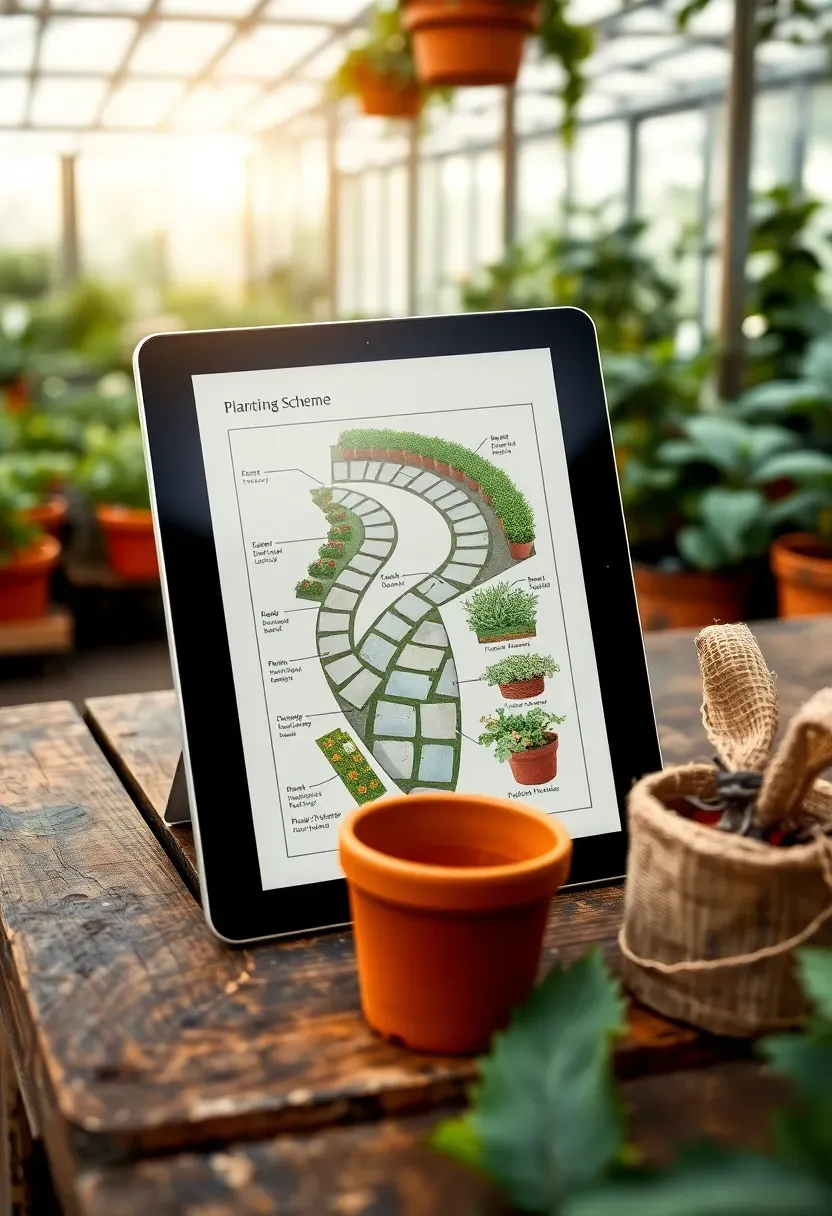
Lands Design runs as a plugin for Rhino or as a standalone app, and it focuses specifically on vegetation. Each plant in its database carries growth rate data, water needs, sun requirements, and mature dimensions. When you place a row of boxwoods along a fence line, the software shows you year-one versus year-five canopy spread so you avoid the classic mistake of planting shrubs too close together. The irrigation planning tool calculates zone coverage and warns about dry spots before you trench a single pipe.
Tips
- Filter the plant database by USDA hardiness zone to avoid suggesting species that will not survive your winters
- Use the seasonal view toggle to check how the yard looks in January versus July
- Export the plant schedule as a spreadsheet for nursery ordering
6. VizTerra for Pool and Patio Design
What sets it apart
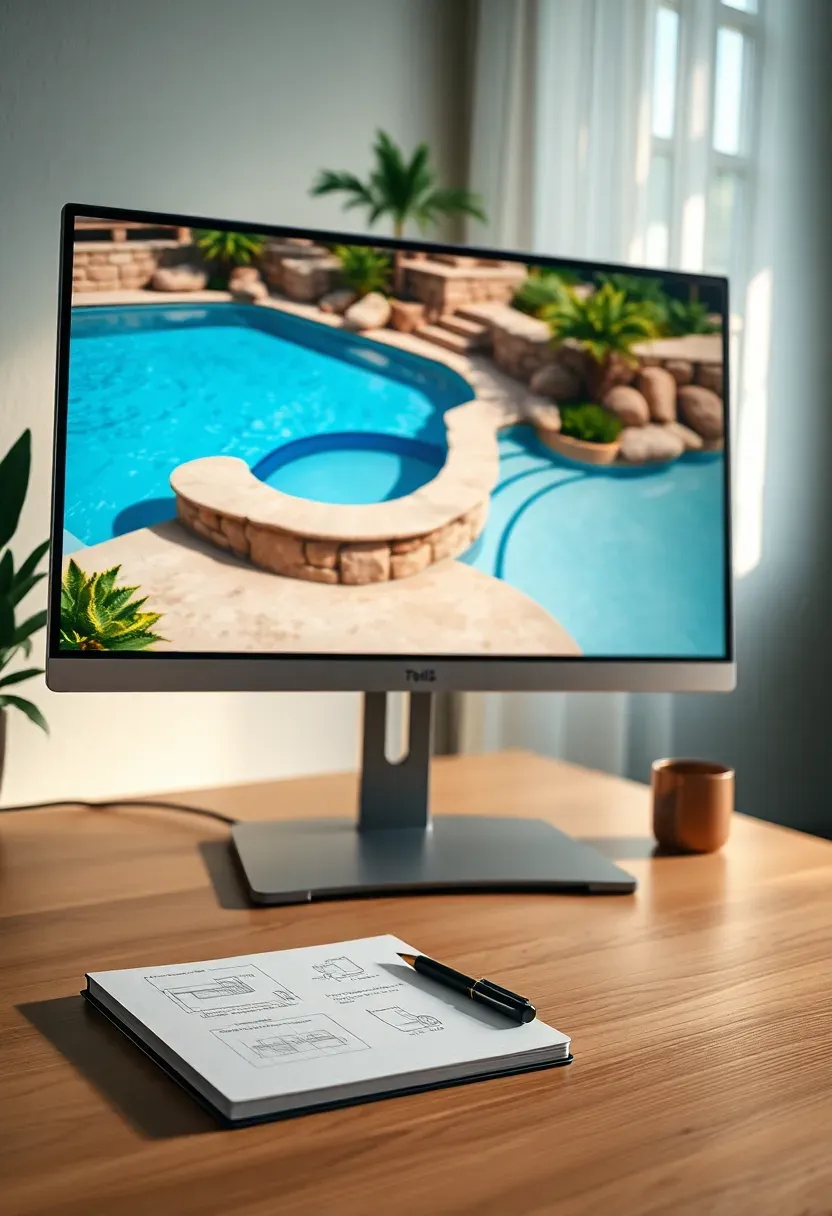
VizTerra by Structure Studios was built specifically for outdoor living design. Unlike general-purpose 3D tools that treat backyards as an afterthought, VizTerra includes dedicated modules for pools, spas, fire features, outdoor kitchens, and pergolas. The terrain grading tool handles slopes with contour precision, and the material estimator generates a quantity takeoff for concrete, pavers, and coping.
Choose VizTerra if
- Your project includes a pool or spa — the water rendering and equipment placement tools are unmatched
- You need to present designs to clients with video flyovers
- You want integrated cost estimates based on material quantities rather than rough guesses

Recommended
Items for this idea
7. Garden Planner by Artifact Interactive
Not every backyard project needs 3D rendering. Garden Planner takes the opposite approach — a simple top-down drag-and-drop interface where you lay out beds, paths, trees, and structures on a scaled grid. It runs in any browser with no install required. The plant database includes spacing guidelines so you know exactly how many tomato plants fit in a 4x8 raised bed. For vegetable gardens, herb spirals, and cottage-style planting layouts, this lightweight tool often outperforms heavier software because it removes distractions and lets you focus on plant arrangement.
Tips
- Print the plan at 1:20 scale and tape it to your potting bench as a planting guide
- Use the succession planting layer to plan spring, summer, and fall rotations on the same bed
- The monthly view shows which beds are active versus fallow at any point in the season
8. DreamPlan for Quick Yard Layouts
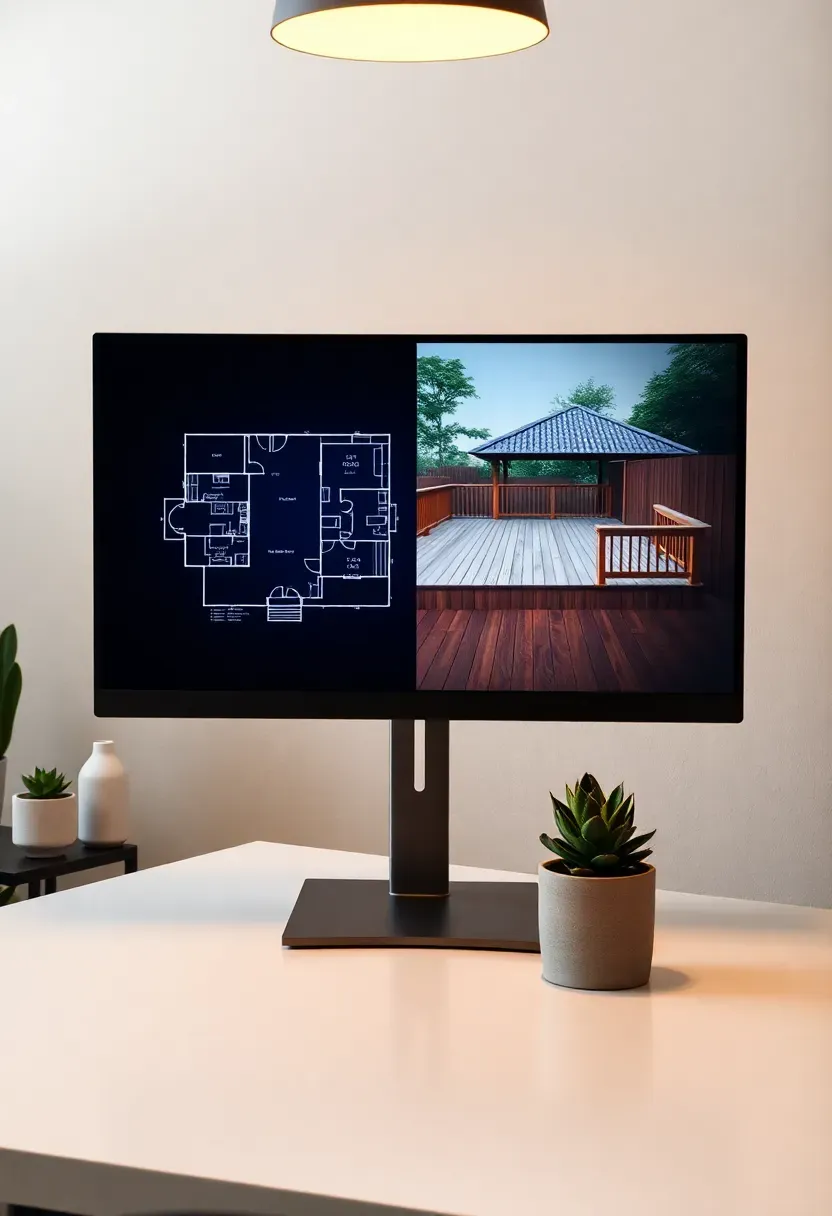
DreamPlan works well as a first step before committing to more complex software. The interface feels dated compared to competitors, but the outdoor design mode lets you place terrain features, fences, pools, and garden areas within an hour of downloading. The free version covers basic needs — shape the lot, add a deck, drop some trees. Where DreamPlan earns its keep is speed: you can rough out three different yard configurations in a single evening and compare them side by side before investing time in detailed modeling elsewhere.
Pros and cons
- Pro: No learning curve — anyone comfortable with basic computer use can produce a layout
- Pro: Includes both interior and exterior modes, useful if your backyard connects to a sunroom
- Con: Plant library is small and lacks growth simulation
- Con: Render quality is functional but not presentation-ready
Recommended
Items for this idea
9. PRO Landscape Design Suite
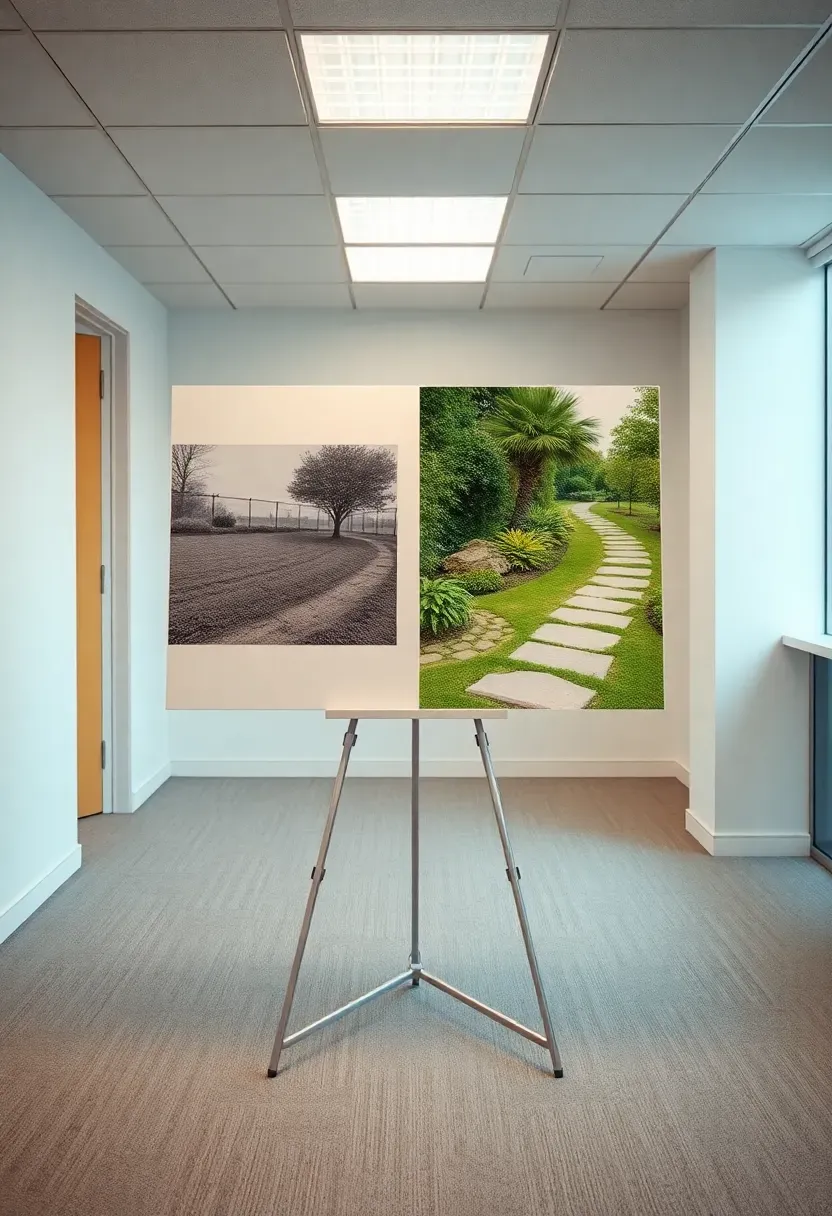
PRO Landscape targets professional landscapers, but ambitious homeowners use it too. The photo imaging module lets you upload a photo of your current yard and overlay proposed plants, hardscape, and lighting directly onto the image. This before-and-after approach makes it dead simple to visualize changes without building a 3D model from scratch. The built-in proposal generator creates client-ready documents with material lists and cost breakdowns. For anyone hiring a landscaper, showing up with a PRO Landscape mockup gets you taken more seriously than a hand-drawn sketch on graph paper.
Tips
- Shoot your yard photo from a slight angle rather than straight on for more realistic overlays
- Use the night lighting simulator to preview path lights and uplighting before buying fixtures
- The customer database tracks past projects if you plan to redesign in phases over several seasons
10. Vectorworks Landmark
Who this is for
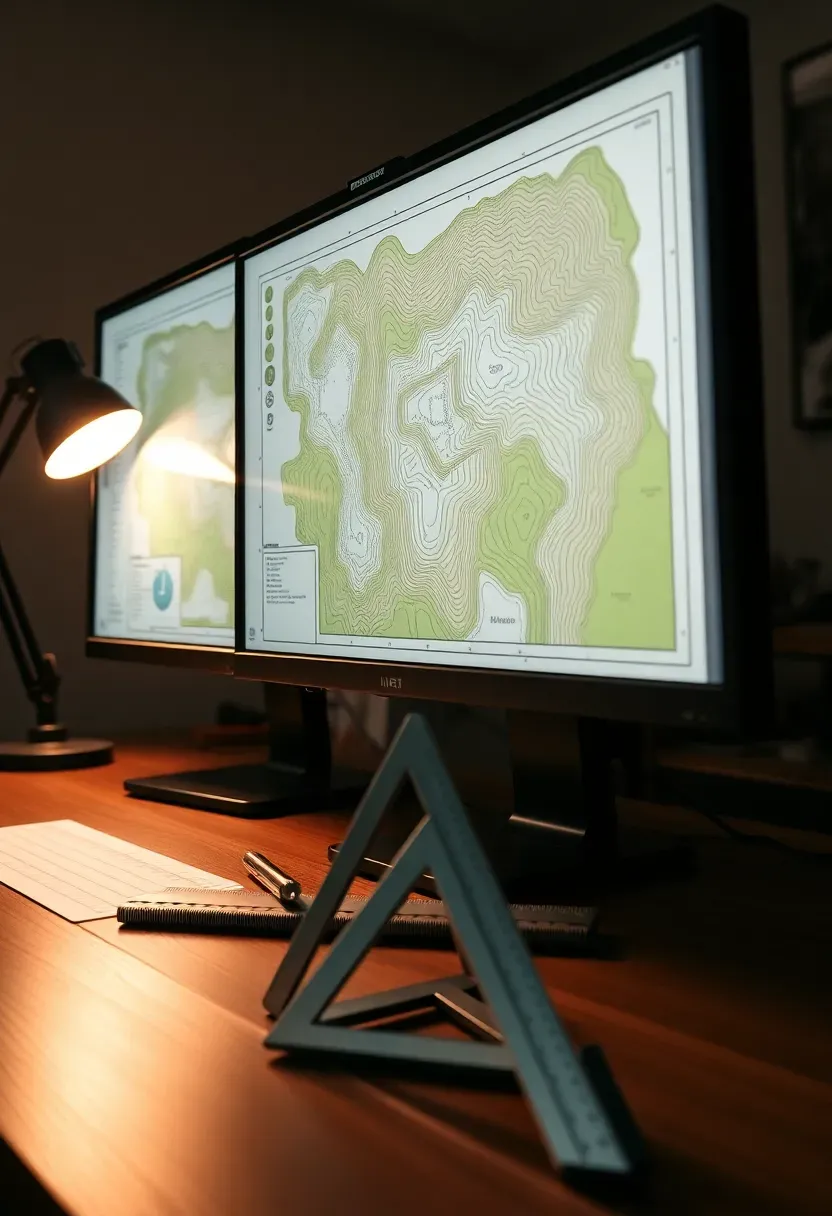
Vectorworks Landmark is professional landscape architecture software with a price tag and feature set to match. If you are designing a backyard with significant grade changes, engineered drainage, or complex hardscape geometry, Landmark handles it with survey-grade precision. The BIM workflow means every object carries data — a retaining wall knows its material, height, and structural requirements, not just its shape.
Worth the investment if
- Your lot has more than three feet of grade change across the buildable area
- You need to submit plans to a municipality for permit review
- The project budget exceeds $50,000 and precision saves money on material waste
Recommended
Items for this idea
11. Marshalls Garden Visualiser
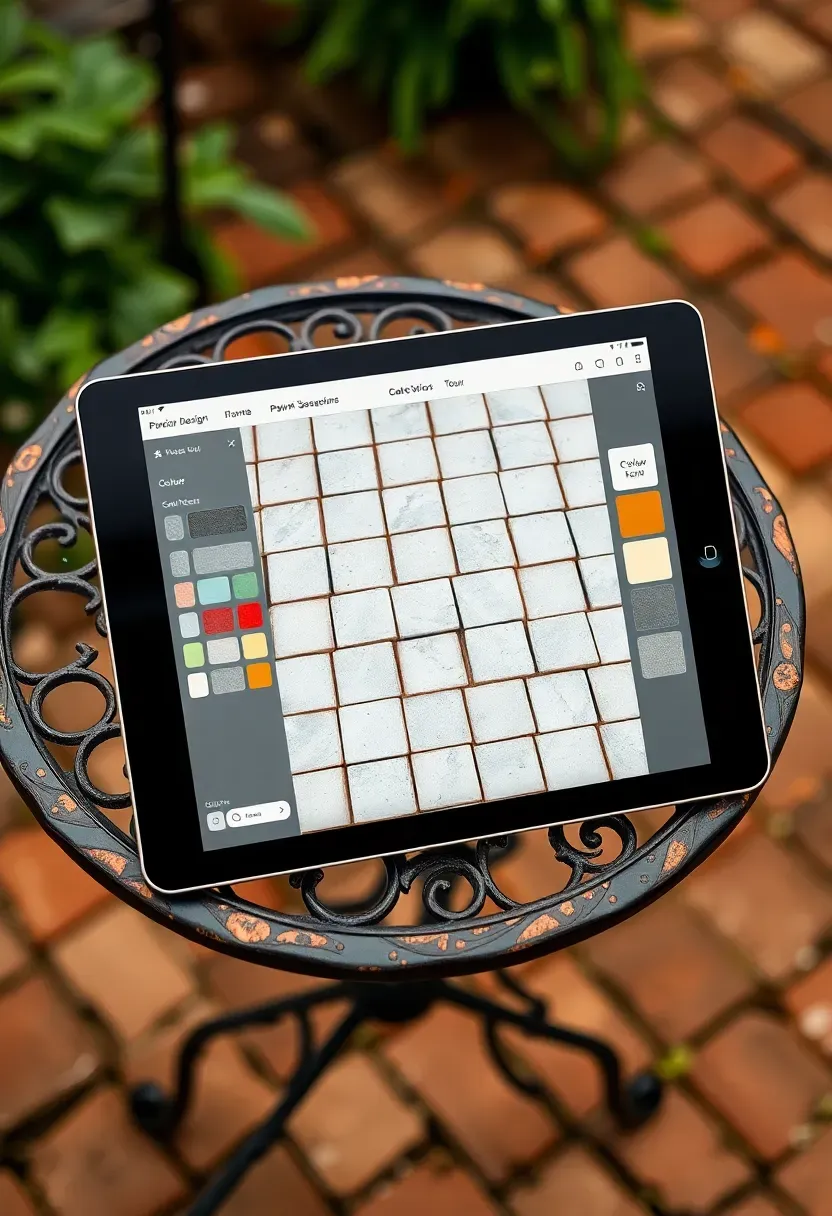
Marshalls makes paving products across the UK, and their free online visualiser lets you design a patio using their actual product catalog. You select a patio shape, choose paving styles, add borders, and the tool calculates exactly how many packs you need to order. It is narrow in scope — only Marshalls products, only hard surfaces — but that focus is its strength. No wasted time browsing generic libraries. You get a patio design that maps directly to purchasable materials with accurate pricing. For anyone doing a paver patio with Marshalls stone, this eliminates the guesswork between design and ordering.
Tips
- Try the random joint pattern option for a more natural look with sandstone products
- Save multiple layout versions to compare costs between product ranges
- The laying pattern preview shows joint alignment issues before you commit
12. Terragen for Terrain Modeling
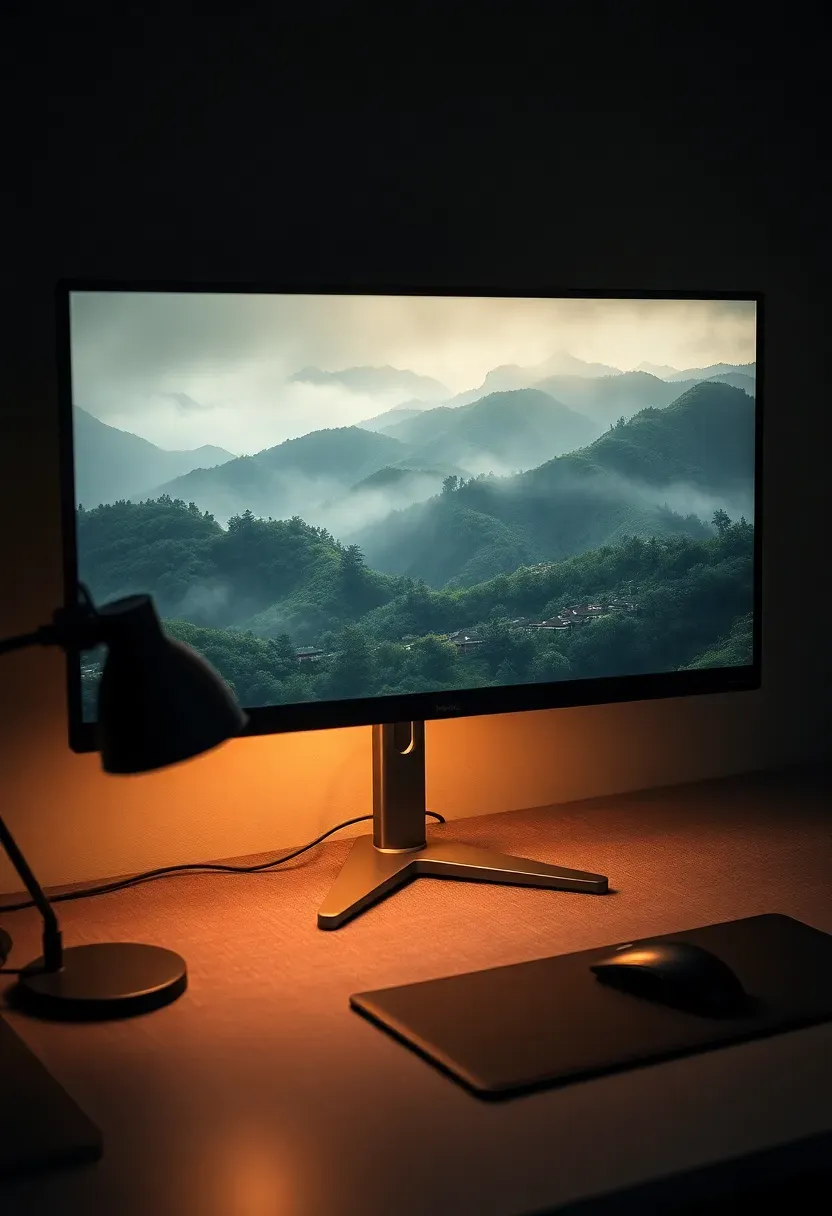
Terragen specializes in generating realistic terrain and atmospheric effects. For backyards on hillsides, waterfront lots, or properties with significant natural features, Terragen produces landscape visualizations that look nearly photographic. The software models sunlight position by date, time, and GPS coordinates, so you can see exactly where shadows fall on your patio at 4pm on the summer solstice. This is overkill for a flat suburban lot, but invaluable when terrain drives every design decision.
When to use it
- Hillside properties where cut-and-fill decisions affect the entire design
- Waterfront yards where sight lines to the water must be preserved
- Large rural properties where the landscape itself is the main design element

Recommended
Items for this idea
13. SmartDraw Landscape Module
SmartDraw approaches yard design as a diagramming problem. You work with shapes, lines, and symbols on a scaled canvas — similar to making a flowchart but with plant symbols and hardscape blocks instead. The template library includes residential landscape plans you can modify rather than building from zero. This works particularly well for planning utility placement, irrigation zones, and lighting circuits where spatial relationships matter more than visual realism. Contractors actually prefer receiving SmartDraw-style plans because dimensions are clear and uncluttered by rendered textures.
Tips
- Layer your drawing: base layer for existing features, overlay for proposed changes
- Use the dimensioning tool to annotate distances between elements — contractors need numbers, not just shapes
- Export as SVG for crisp prints at any scale
14. Cedreo Outdoor Planning
From floor plan to backyard
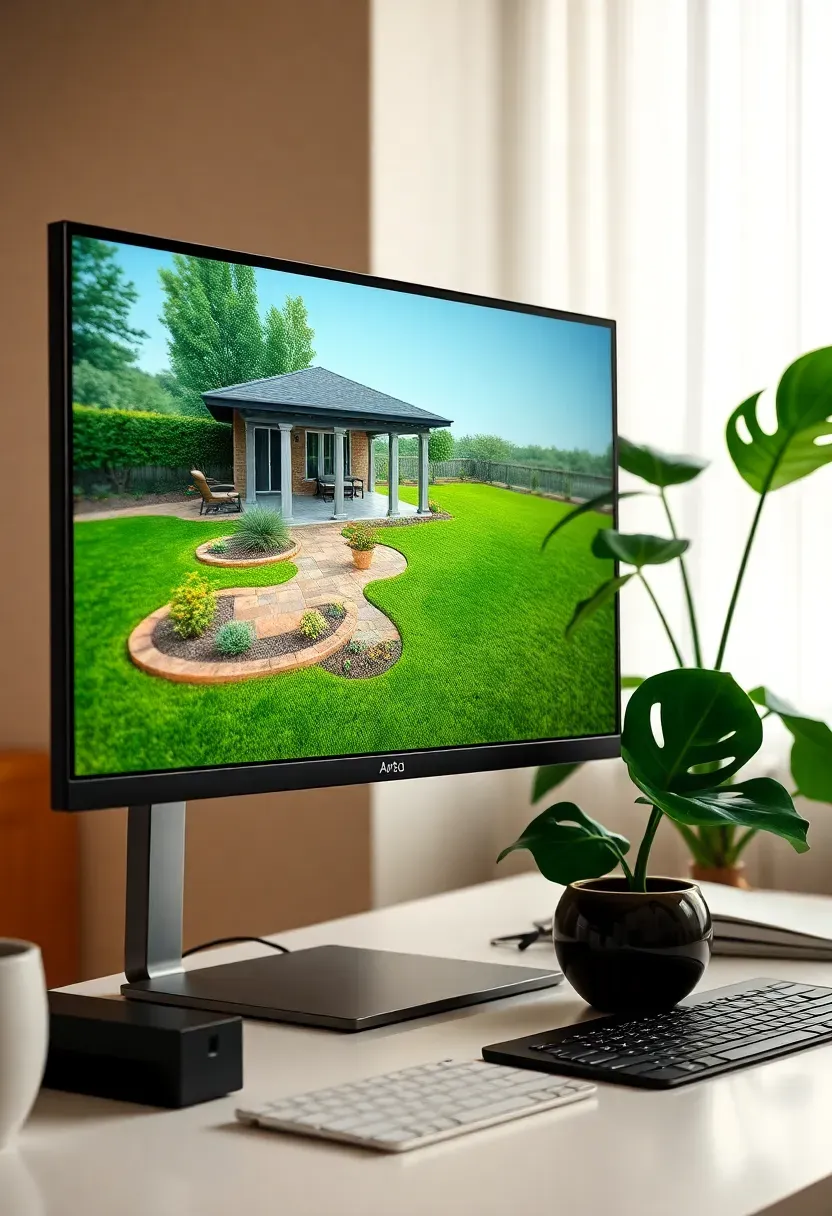
Cedreo started as home design software and expanded to outdoor spaces. The advantage is seamless integration — your backyard plan connects directly to the house model, so sightlines from interior rooms to outdoor features stay accurate. The outdoor module includes terrain shaping, fencing, decking, and a modest plant library. Rendering is handled in the cloud, which means even a basic laptop produces reasonable 3D views without a dedicated graphics card.
Limitations to know
- The plant library is smaller than dedicated landscape software
- Terrain tools handle gentle slopes but struggle with steep grade changes
- Outdoor furniture selection is limited compared to the interior catalog
Recommended
Items for this idea
15. Rhino 3D with Landscape Plugins
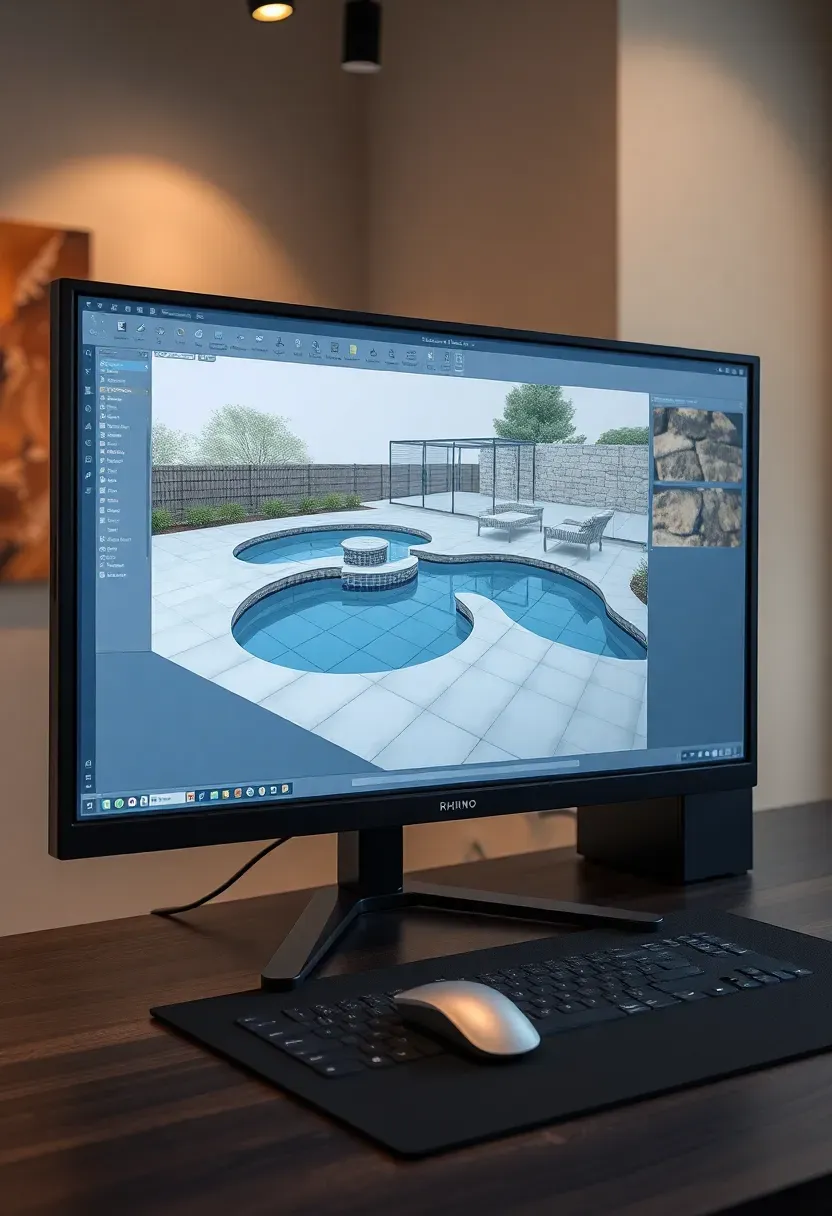
Rhino is a surface modeler used heavily in architecture and industrial design. For backyards, its power shows up in custom shapes — freeform pool edges, curved retaining walls, organic deck outlines that cheaper software cannot handle. The Grasshopper plugin enables parametric design, meaning you can set rules like "fence posts every 6 feet along this curve" and the software places them automatically. Combine Rhino with Lands Design for vegetation and V-Ray for rendering, and you have a pipeline that rivals any dedicated landscape package.
Tips
- Use Grasshopper definitions for repetitive elements like baluster spacing and paver patterns
- The SubD modeling mode handles organic terrain shapes more intuitively than NURBS surfaces
- Export sections and elevations directly from Rhino for construction documents
16. Structure Studios Pool Studio
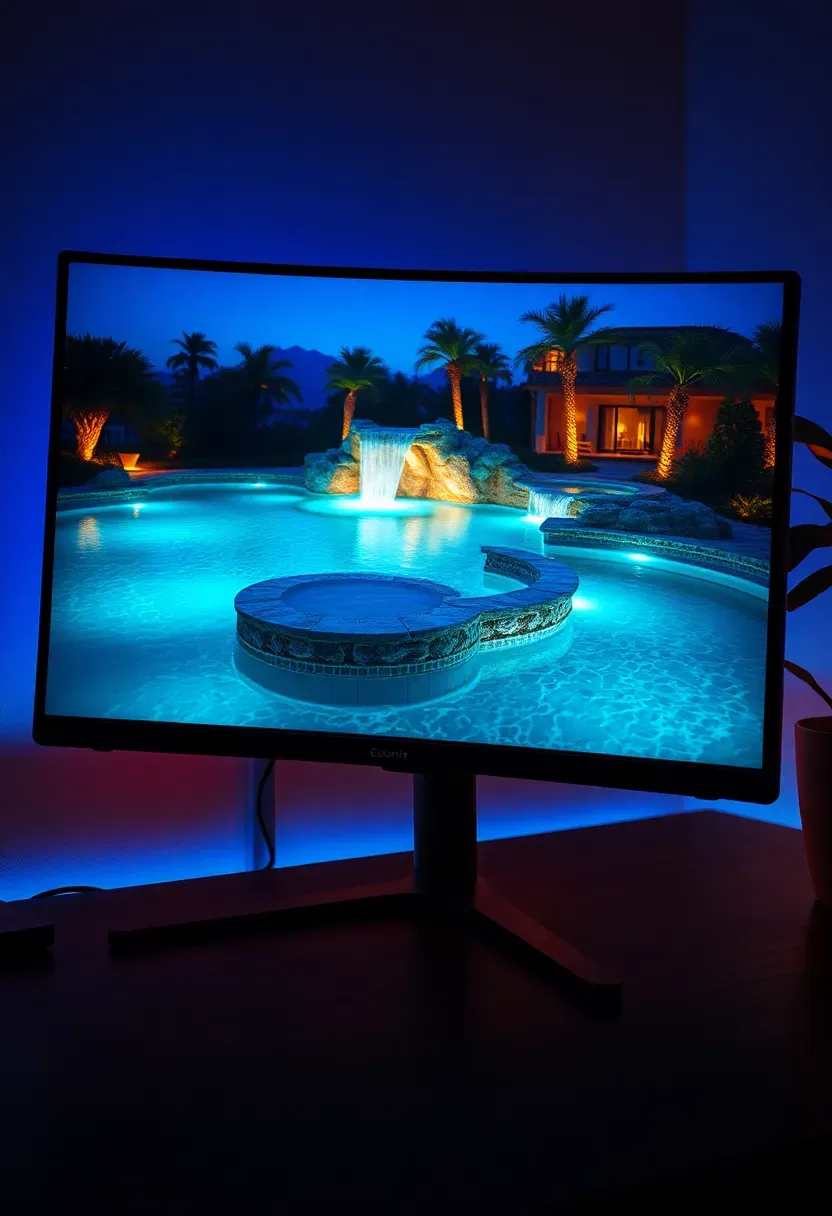
Pool Studio is the industry standard for pool design and earns that reputation. The 3D modeling tools handle every pool geometry — vanishing edges, beach entries, raised spas, grottos, and swim-up bars. The construction mode generates engineering plans with rebar spacing, plumbing runs, and equipment pad layouts. But Pool Studio also covers the surrounding yard: decking, pergolas, outdoor kitchens, and landscape lighting integrate into the same model. If a pool is the centerpiece of your backyard renovation, this is the software that pool builders already use to design and sell projects.
Worth noting
- Subscription pricing is steep — this is professional software, not a casual tool
- The presentation mode produces client-ready video walkthroughs with water animation and nighttime lighting
- Integrates with VizTerra for projects that extend beyond the pool area
Recommended
Items for this idea
17. Blender for Custom Backyard Scenes
Why consider a free tool built for movies
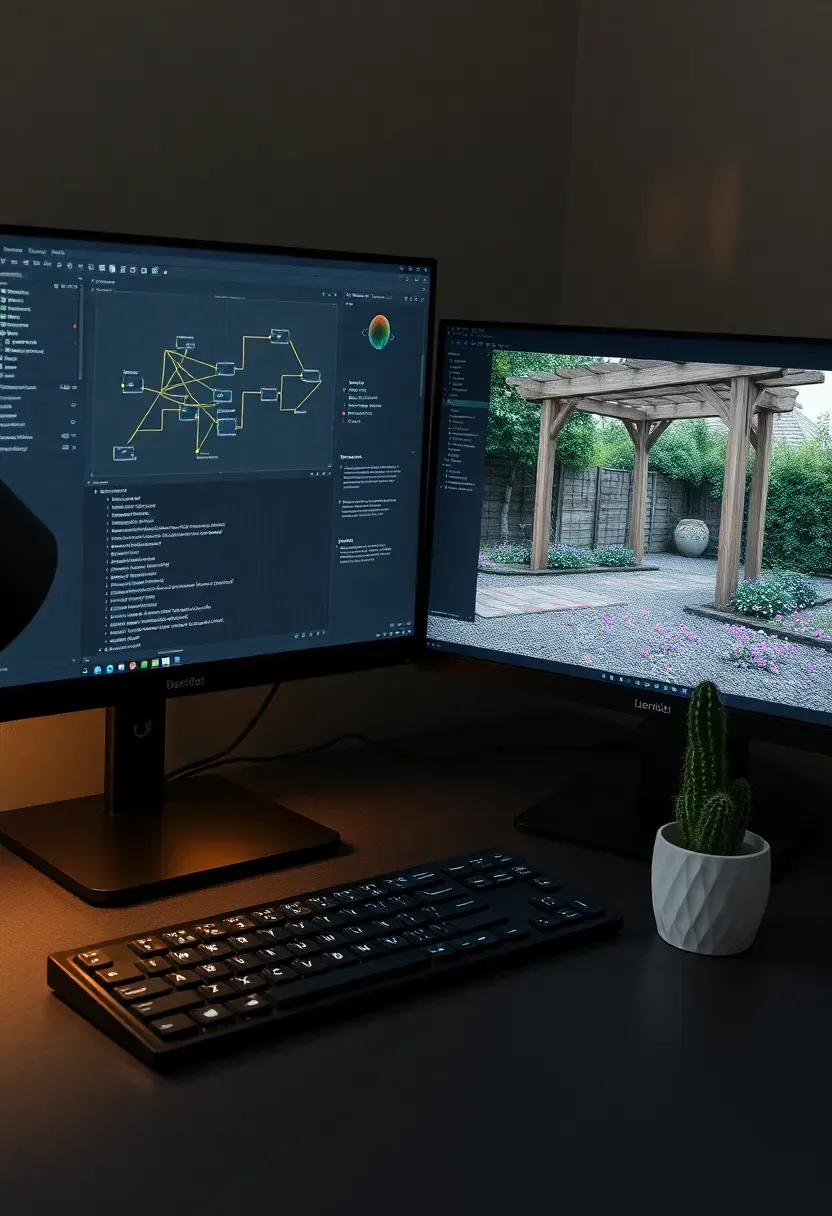
Blender is free, open-source 3D software primarily used for animation and visual effects. But its modeling, sculpting, and rendering capabilities rival paid alternatives costing thousands. For backyard design, Blender shines when you need complete creative control — custom furniture models, unusual material combinations, or cinematic presentation renders that impress clients. The Geometry Nodes system generates realistic ground cover, gravel distributions, and plant scatter without placing each element manually.
The tradeoff
The learning curve is significant. Blender was not designed for landscape work, so there are no built-in plant databases or terrain grading tools. You build everything from scratch or import models from third-party libraries. Budget two to three weeks of evening tutorials before you produce anything usable. But once you clear that hurdle, Blender matches or exceeds the visual output of any landscape-specific software on this list — and it costs nothing.
Quick FAQ
Which backyard design software is best for beginners? Garden Planner by Artifact Interactive and DreamPlan both have minimal learning curves. Garden Planner works directly in a browser with no download needed. DreamPlan installs quickly and offers both 2D and 3D views without overwhelming you with settings.
Can I use free software to design a backyard professionally? Yes. SketchUp Free handles most residential projects, and Blender produces professional-quality renders once you learn the interface. For planting-specific work, many regional extension services offer free garden planning tools that include local plant databases.
Do I need a powerful computer to run landscape design software? It depends on the program. Browser-based tools like Garden Planner and Marshalls Visualiser run on anything. SketchUp and DreamPlan work on mid-range machines. Lumion, Blender, and Terragen benefit significantly from a dedicated GPU with at least 4GB of VRAM for smooth viewport performance and faster renders.
Is backyard design software accurate enough for construction? Programs like BricsCAD, Vectorworks Landmark, and Rhino produce dimensionally accurate plans suitable for permit submissions and contractor use. Visual planners like DreamPlan and Garden Planner are better for concept exploration than construction documentation.
How do I get my actual yard dimensions into the software? Measure your lot manually with a tape measure, use a property survey from your title documents, or import a satellite image from Google Earth as an underlay. Some software accepts GPS coordinates to pull terrain elevation data automatically.
Planning a backyard on paper rarely survives contact with reality. Slopes shift drainage, mature trees cast wider shade than expected, and that fire pit you sketched ends up too close to the property line. The right design software catches these problems when they are still free to fix — before materials are purchased and holes are dug. Pick the tool that matches your project complexity, spend an afternoon learning it, and build your yard on screen first. Your knees and your wallet will appreciate the difference.
Pinterest cover for 17 Backyard Design Software Ideas to Plan Your Yard
About the author
OBCD
CGI visualization and interior design content. We create detailed 3D renders and curate practical design ideas for every room in your home.